
November 13, 2026 • 16 min read
What Is AI Workforce Management? Benefits, Uses & Top Tools

CX Analyst & Thought Leader
November 13, 2026
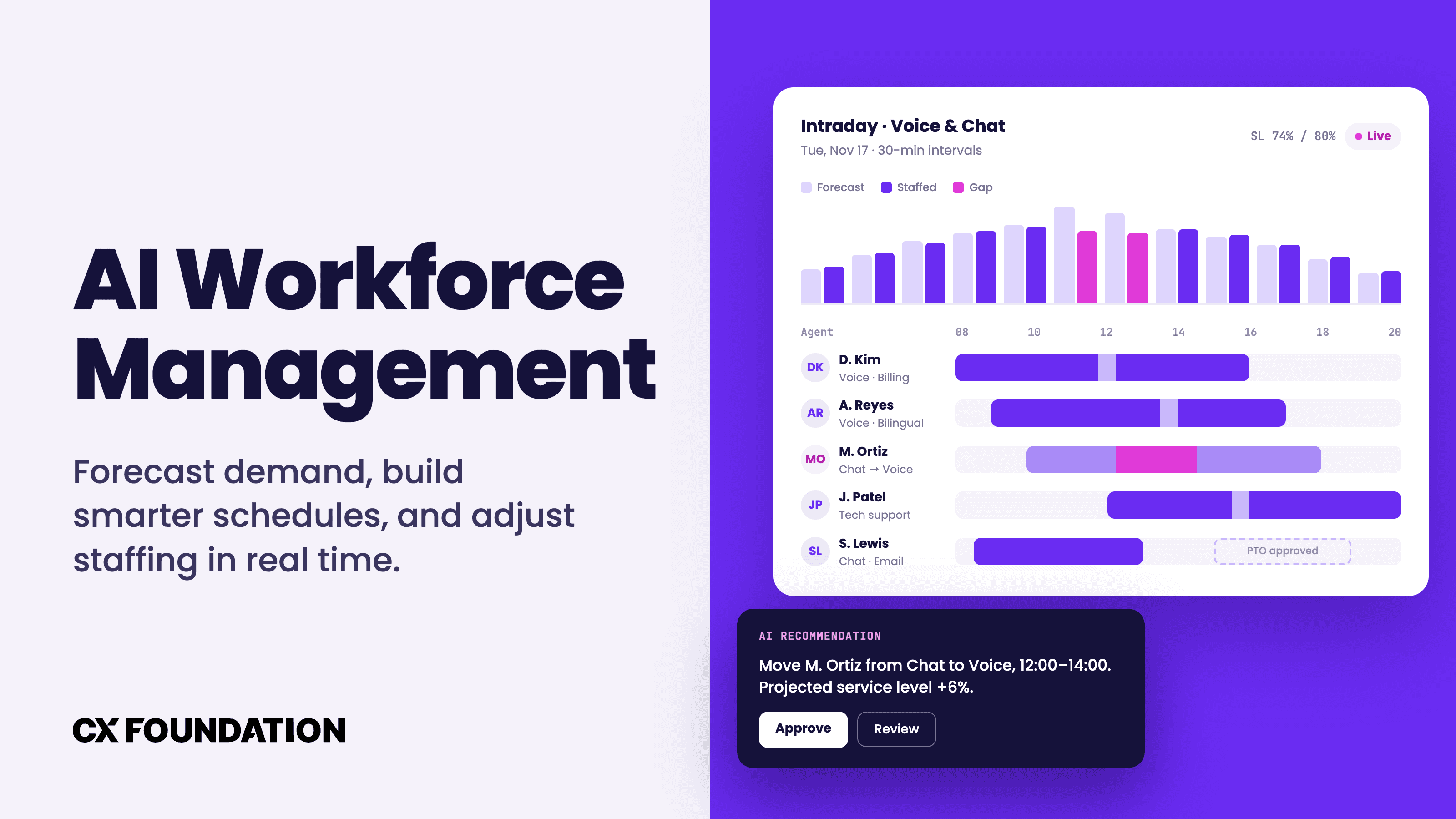
AI workforce management ensures businesses have the right people, with the right skills, available at the right time: even as contact volume and schedules shift throughout the day.
Contact center demand is rarely consistent. Seasonal changes, product recalls and launches, special sales, viral social media posts, and even external forces like political changes or natural disasters all impact both contact volume and agent availability.
Too often, by the time management realizes there’s a scheduling problem, customers are already unhappy with long wait times and employees are already exhausted from handling back-to-back calls.
AI workforce management changes that. Instead of relying on static workforce planning, AI leverages data from all your existing systems to proactively build schedules based on predicted volume, employee skill, forecasting scenarios, agent availability, and more. This allows you to react to real-time changes and better understand performance and staffing trends.
AI workforce management is much more than just employee monitoring and general-purpose HR. It’s about matching workforce capacity to expected and actual demand.
What Is AI Workforce Management?
AI workforce management (WFM) uses machine learning, predictive analytics, and automation to forecast workload, understand how many employees are needed, create schedules, and adjust workforce plans in real time, as conditions change.
It’s a huge benefit to any business where contact volume fluctuates and where staffing is a major operating cost: contact centers, CX and back-office teams, healthcare, retailers, hospitality, service providers, etc.
While most WFM platforms connect to and pull data from HR tools for employee recruiting, onboarding, and payroll, note that WFM is more concerned with workforce operations.
AI WFM vs Traditional WFM
So, how is AI-powered workforce management different from traditional workforce management?
| Traditional WFM | AI WFM |
| Forecasts rely on historical averages and predefined rules | Forecasts update as patterns change and leverage multiple variables at once (seasonality, historical volume, channel shifts, marketing campaigns, etc.) |
| Managers build and adjust schedules manually | Recommends or creates schedules based on demand, agent skills, availability, constraints etc. |
| Intraday changes are reactive, the problem already exists | Real-time intraday management flags service level drops and suggests/makes real-time staffing adjustments |
| Historical reporting describes what’s already happened | Predictive analytics estimate future volume and activity |
In traditional WFM, software may do the math, but humans still do the strategizing. A workforce analyst looks at last year's contract volume, estimates growth and seasonal adjustments, then uses a variety of staffing formulas to determine the ideal number of agents per department and time block. Schedules are generally fixed and require a great deal of human effort to update, making intraday management extremely stressful.
AI workforce management automates much of that work: machine learning models evaluate different variables and scenarios at once, identify the patterns humans overlook, and automatically update based on new information.
AI WFM can create numerous schedules based on different constraints and compare predicted vs actual activity. It can prevent over or under-staffing by recommending or making schedule changes in real time, before service levels slip.
Human judgement will always be required for WFM, but AI removes most of the manual number-crunching. With AI, workforce managers create the rules, handle exceptions, review suggestions, and continue to make employment/compliance decisions.
Core Capabilities of AI Workforce Management
There are four main capabilities that separate AI WFM from traditional workforce management and capacity planning tools: predictive demand forecasting, intelligent scheduling, real-time intraday management, and analytics.
Each capability changes how workforce managers do their jobs, moving them away from building plans and towards reviewing, adjusting, and executing them.
Predictive Demand Forecasting
Every staffing decision starts with demand forecasting. AI forecasting models build on historical workload data by adding seasonality, long-term growth trends, and upcoming business events like marketing campaigns, billing cycles, and holidays.
AI models are also retrained with each new data point that arrives, meaning they can detect structural shifts like changes in channel volume, handle times, and customer behavior earlier and with greater accuracy. Most also forecast across multiple horizons: long-rage for capacity planning and hiring, weekly for scheduling, and throughout the day for live adjustments.
Businesses must understand, however, that forecasting is not a complete staffing strategy. Successfully turning predicted workloads into accurate headcounts requires additional data points like average handle time by work type, shrinkage from breaks and absenteeism, target service levels, and more.
Additionally, AI WFM tools provide estimates and suggestions, not guarantees. This is especially true when the AI encounters an unfamiliar scenario that it doesn’t have a historical precedent (and data!) for: systems outages, severe weather events, sudden regulatory changes, etc.
Intelligent Scheduling
Once staffing requirements are set, AI WFM tools automatically create schedules that match demand with agent availability, skills, contracted hours, approved time off, and scheduling preferences.
Scheduling tools also apply the specific rules your business configures, like required agent breaks and meal periods, maximum weekly hours, and coverage requirements for each role. These constraints are built in from the start, meaning managers no longer need to manually check each schedule against them.
Most intelligent WFM systems today come with employee-facing self-service portals to further simplify and expedite the scheduling process. Employees can update their preferences and availability, request time off, swap shifts with qualified coworkers, and claim open shifts. Businesses can set up automatic approvals for these requests.
Real-Time Intraday Management
The obvious reality? Even the best AI scheduling tools and forecasts are likely to be changed throughout the day.
Intradata management compares the actual vs predicted staffing and workloads, then immediately alerts managers to changes like agent absenteeism, demand spikes, long queues, missed service levels, and channel fluctuations in real time.
From there, the AI WFM tool recommends an ideal course of action: moving employees between channels and queues to meet demand, shifting break times, offering voluntary time off or overtime, approval shift trades, or prioritizing support tickets.
While prioritizing a work queue is low-risk and easy to automate, changing someone's break time affects employees directly and may violate local labor laws. The biggest thing here is for businesses to clearly differentiate which of these activities the AI can perform autonomously, and which ones require human oversight/approval.
Performance and Workforce Analytics
AI WFM platforms track the operational measures that show whether staffing is working: schedule adherence, occupancy, service levels, workload completion, overtime, absenteeism, and forecast accuracy.
Obviously, most contact centers already track these metrics. The AI advantage here is the ability to spot the recurring patterns across them that humans overlook.
Some platforms even pull in survey results, interaction data, and sentiment analysis to proactively identify signs of imbalanced workloads like increased overtime requests or dwindling schedule adherence.
Benefits of AI Workforce Management
AI workforce management benefits both companies and their employees, each one tracing back to a specific operational change:
- More accurate staffing decisions: Overstaffing and understaffing are greatly reduced thanks to more accurate forecasting and employee-facing self-service scheduling applications
- Decreased labor costs: More accurate forecasting means less agent absenteeism, decreased overstaffing, and lower agent turnover from more balanced workloads
- Fewer errors: Decreased manual workloads, more accurate forecasting models mean fewer costly errors, schedule changes are validated against existing rules and schedules
- Higher productivity and service levels: Demand spikes, even those forecasting tools didn't predict, are more tolerable thanks to intraday management. AI WFM reduces agent idle time, while skills-based scheduling means increased resolution rates and more balanced workloads for employees
- Greater employee control: Employees get automatic approvals for PTO, can easily pick up or swap shifts, and enjoy more consistent, predictable schedules
- Consistency: Workloads are consistent instead of staggered, shift scheduling is fair and balanced for all employees, systems of record show exactly what was changed and why, reports automatically generated at consistent intervals
AI WFM Challenges and Risks To Plan For
While AI workforce management solutions offer countless benefits, using them is not without risks and challenges. Properly anticipating and preparing for these challenges lessens their impact and ensures employee buy-in to AI initiatives.
- Poor or incomplete data: Forecasts and schedules are only as good as the data behind them. Gaps in volume history, outdated employee skill or availability records, and inconsistent work codes all lead to weak forecasts and schedules that don't hold up in practice. Budget time for data cleanup before go-live, and assign someone to own data quality post-deployment
- Privacy and trust concerns: Granular tracking of adherence, activity, and productivity can feel like surveillance. Be explicit about what data the system uses, why, and who sees it.
- Bias and fairness: Optimization models are built to hit targets, not to be fair. Without review, a system may keep handing the same people weekend and closing shifts, or quietly disadvantage employees with caregiving responsibilities or limited availability. Build fairness rules into the configuration, such as rotating undesirable shifts, and audit outputs regularly.
- AI anxiety: Employees may read automation as a first step toward job cuts. Explain early what the system will and won't do, involve frontline managers in configuration, and show employees what they gain, like more say in their schedules.
- Integration complexity: Useful forecasts and schedules often depend on data spread across telephony, CRM, ticketing, HR, payroll, and time-tracking systems. Every missing or unreliable connection weakens the output and adds manual workarounds. Ensure your chosen provider integrates with your essential tools
- Over-automation: Eliminating the human touch entirely is a recipe for disaster (not to mention major compliance violations.) Always provide your WFM tool with complete data and context (for example, which employees are in training, which employees should handle big clients, etc.) Clearly define approval thresholds and SLAs so routine changes are easy and more impactful ones are approved by a human
- Regulatory exposure: Algorithmic scheduling, worker monitoring, automated employment decisions, and data retention can all fall under labor, privacy, or AI-specific rules. Check for predictive scheduling and fair workweek laws in your area.
Top AI Workforce Management Use Cases
While AI WFM core capabilities remain the same across industries, units of demand, forecasting strategies, constraints, and how fast conditions change are vastly different. Below are some of the most popular use cases for AI-powered workforce management across different industries.
Contact Center and Customer Service
Contact centers have always been, and remain, the number-one use case for workforce management tools.
AI models forecast contact volume by channel and by 15- or 30-minute intervals. They account for the fact that a billing date, outage, or marketing email can reshape demand on short notice. Schedules are built by skill, so bilingual agents, technical specialists, and agents licensed for specific products are always scheduled exactly where they're needed.
During the day, the system tracks adherence and service levels across voice, chat, email, and messaging. When a queue starts to grow, WFM tools can recommend moving cross-trained agents from a quieter channel, delaying an offline training session, or shifting agents off back-office work until the spike passes.
Healthcare
Hospitals, clinics, and home health providers use AI workforce management to staff around appointment demand, patient needs and locations, admissions patterns, and seasonal illness.
Scheduling has to account for licenses, certifications, and specialty skills, along with shift coverage requirements around the clock. When someone calls out sick, the system can identify qualified staff who are available, eligible for extra hours, and won't exceed rest or overtime limits.
Clinical staffing carries constraints an optimization model can't override. Patient safety requirements, union contracts, credentialing rules, and state regulations set hard limits like minimum nurse-to-patient ratios. AI should always recommend within these boundaries, and human oversight and approval should always be the standard.
Retail and Hospitality
Retailers, restaurants, and hotels schedule around store traffic, online order volume, reservations, promotions, local events, weather, and seasonal peaks. Different roles carry different demand drivers: cashiers follow foot traffic, kitchen staff follow covers, housekeeping follows checkouts. This means good forecasting should break demand down by role, not by location alone.
This is also where scheduling practices matter most to employees. Research from the Shift Project, which surveyed 30,000 retail and food service workers, found that two-thirds received less than two weeks' notice of their schedules, and 70% had experienced at least one change to their shift timing in the previous month.
Automation helps businesses post schedules earlier, respect availability, and spread undesirable shifts fairly.
Field Services
Utilities, telecom providers, HVAC and appliance repair companies, and equipment manufacturers use AI workforce management to match technicians to jobs based on forecast demand, location, travel time, availability, and skills or certifications. Forecasting tells the business how many technicians it needs in each region next week. Scheduling decides who's on shift and which skills are covered.
That's different from route optimization, which determines the most efficient order and path for a technician's jobs on a given day. The two work best together: workforce planning makes sure the right people are available in the right territory, and routing makes the most of their day once they're out in the field.
Back-Office Operations
Claims processing, loan underwriting, order fulfillment, accounts payable, and other back-office teams don't deal with ringing phones, but their work still comes in waves.
AI workforce management forecasts incoming casework, tracks backlogs against service-level deadlines, and balances workloads across teams so one group isn't drowning while another runs out of work.
It's especially useful for blended teams that handle both real-time customer work and deferrable tasks. When live demand spikes, the system can pull people onto the phones; when it drops, it can route them back to casework with longer deadlines.
How To Choose an AI Workforce Management Platform
Choosing the right AI workforce management software isn’t only about features and pricing. It’s really about how well the tool fits with your operations and existing workflows.
When shopping for your AI WFM solution, consider:
- Operational fit: Does the tool support your business’s demand, industry, workload, existing schedules, roles, and locations?
- Forecasting scenarios: Which kinds of forecasting models and variables does the platform include? Can you create custom scenarios? How easily can managers flag unusual data so a one-off spike doesn’t skew future forecasts?
- Scheduling complexity: Can the WFM system handle different skills, availability, preferences, contracts, labor laws, breaks, channels, and locations?
- Intraday controls: Does the tool only report a deviation, recommend a response, or make approved changes automatically? Can you set and control different automation levels for different types of changes?
- Employee Experience: Can employees easily update availability, swap shifts, request time off, and receive notifications from their phones? Can they see why a schedule looks the way it does?
- Integrations: Does the platform connect to your existing third-party tools (contact center software, CRM, marketing apps, analytics, etc.) Are connections pre-built or require heavy custom work?
- Transparency and control: Can managers understand why the system made a recommendation, override it, and audit important decisions after the fact?
- Security and guardrails: What data does the platform collect, where is it stored, how long is it retained, and which roles can access it?
- Pricing and scalability: What pricing model does the provider use (seat-based, outcomes-based, usage-based, a combination of different models, etc.) Is it a standalone tool or part of a broader CCaaS suite? How do costs change as you scale and grow?
Examples of AI Workforce Management Platforms
Most established workforce management platforms grew from the contact center (CCaaS) market. However, several now extend to enterprise-wide and back-office planning. Some of the best AI WFM providers include:
Nextiva
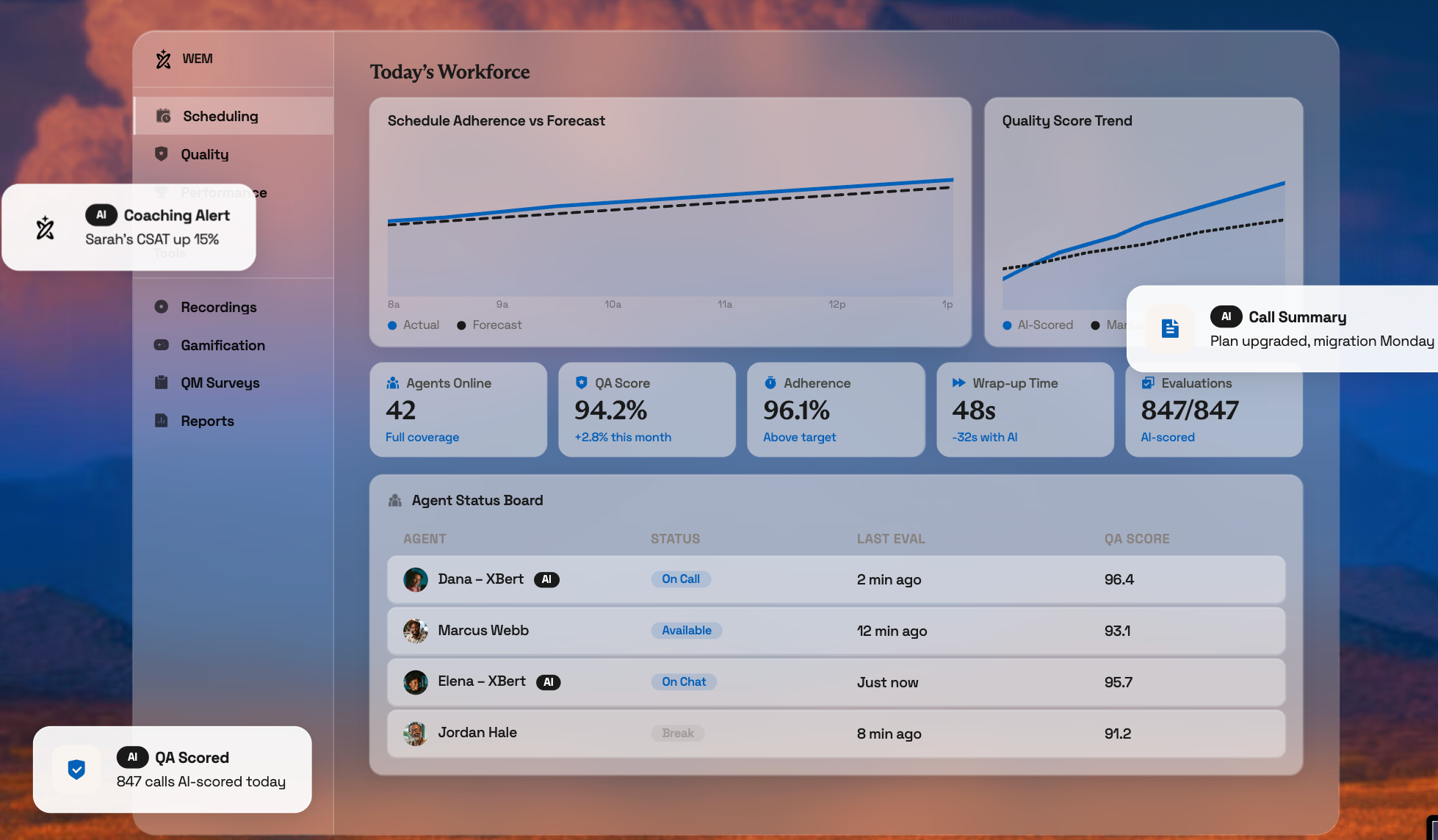
Nextiva’s Workforce Engagement Management software, built directly into Nextiva’s Contact Center solution, pulls live interaction data for more accurate forecasting, schedule adherence monitoring, intraday management, and more.
AI demand forecasting across voice, chat, email, and social accounts for seasonality, trends, campaign spikes, and the share of volume handled by AI agents. Automated schedule generation builds schedules that balance agent skills, labor requirements, and business rules, including overnight shifts, multi-site teams, and rotating schedules. Agents can view schedules, request time off, bid on shifts, swap shifts, and track sick leave from any device.
Nexitva tracks adherence in real time, alerts supervisors when agents go off schedule, and supports staffing adjustments as volume shifts during the day.
Genesys
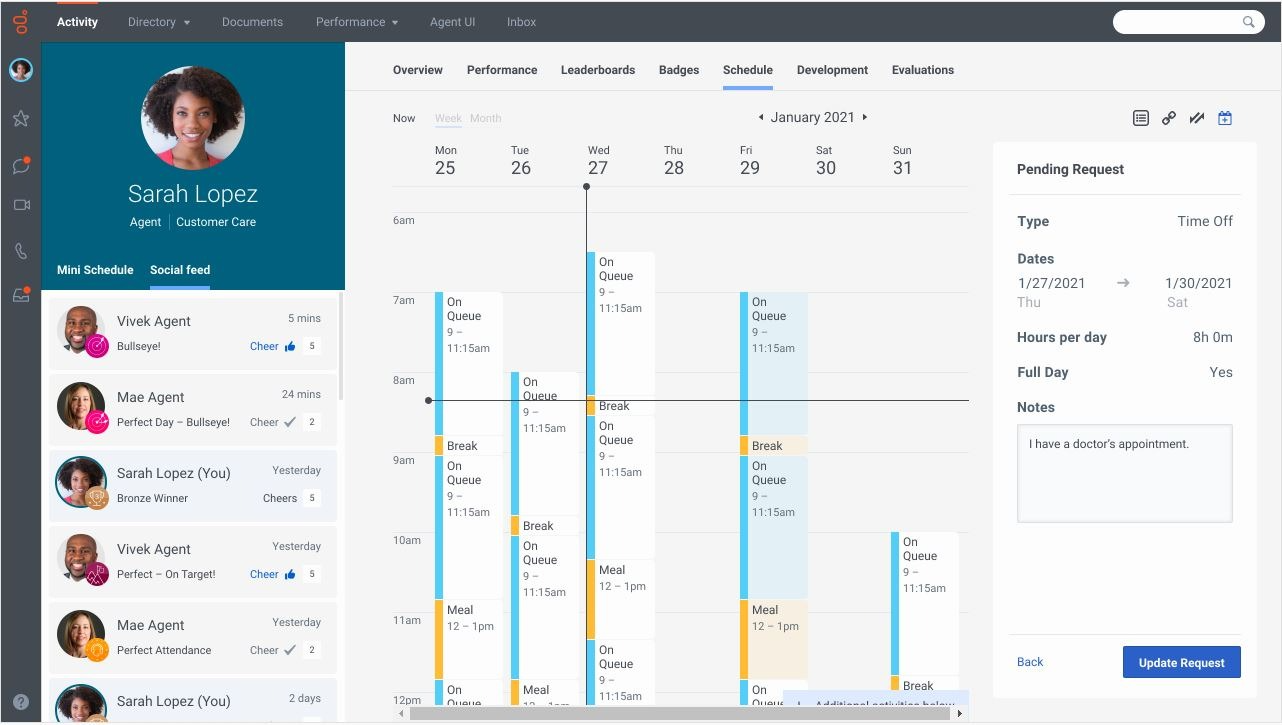
Genesys Cloud Workforce Engagement Management is native to the Genesys Cloud CX platform. Genesys also offers Genesys Cloud EX, a standalone version that adds its workforce management capabilities to an existing contact center platform.
Genesys’ AI-powered forecasting uses over 25 learning-trained models, including ensemble forecasting and automatic best-method selection, to forecast up to two years ahead. It also generates load-based schedules from forecasts, flexible schedules without a forecast, or blank schedules built by administrators. Rules-based automation lets managers set rules and auto-approvals for overtime, time off, shift trades, and limits.
Intraday monitoring provides real-time adherence views and compares forecasts with actuals for volume, average handle time, service level, average speed of answer, and abandons across channels.
NiCE
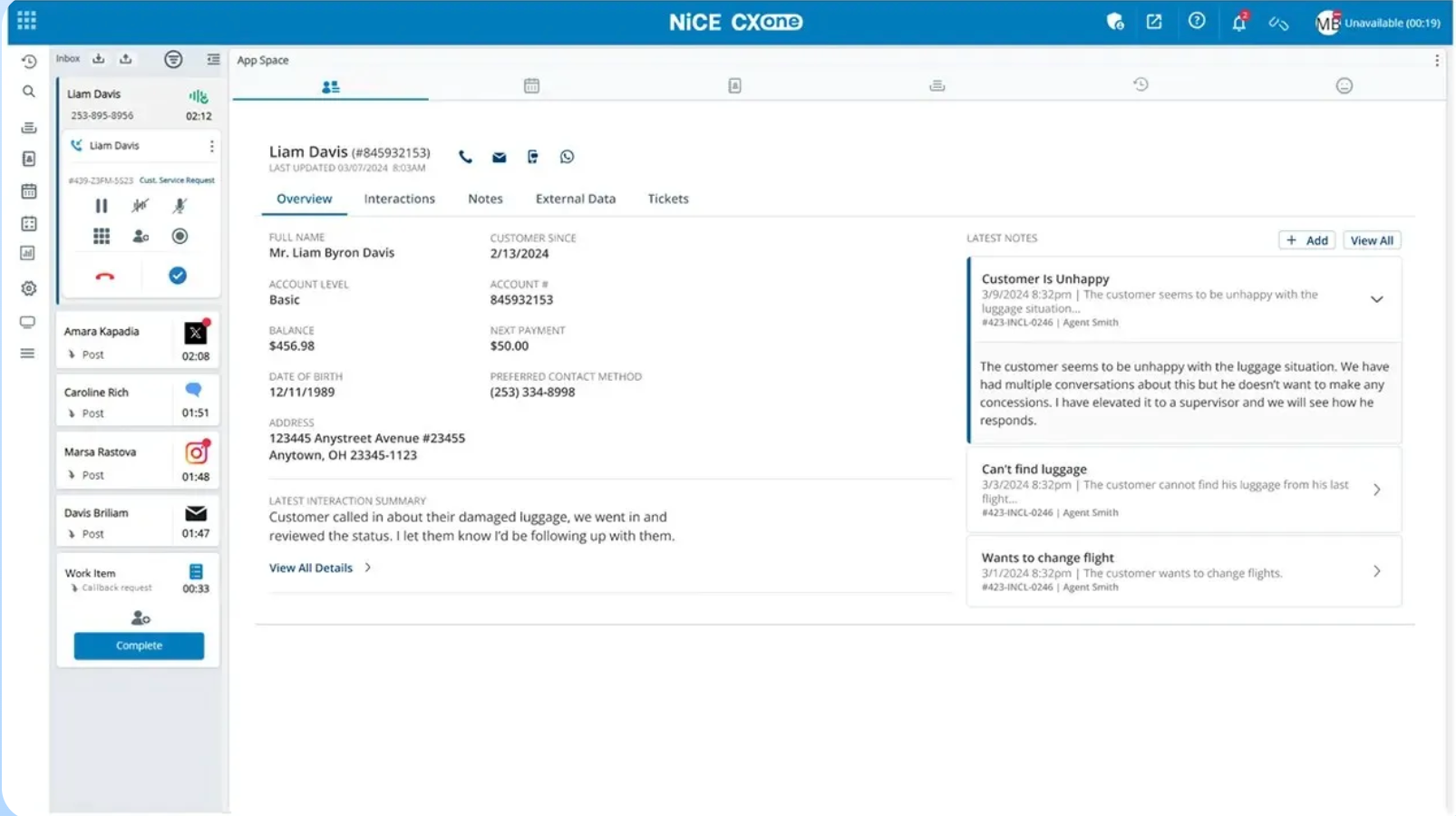
NiCE’s AI Workforce Engagement Management platform, part of the NiCE CXone platform, is designed for omnichannel contact centers managing both synchronous and asynchronous channels.
AI forecasting forecasts demand across voice, chat, SMS, and social channels using more than 45 patented algorithms that learn from historical and real-time data. Automatic re-forecasting monitors schedule adherence and adjusts plans instantly as conditions change.
NiCE WEM builds schedules that balance employee preferences with business goals, including self-scheduling and shift bidding for agents. Copilot for Workforce Managers automates repetitive tasks, such as shift change approvals and intraday adjustments.
Verint
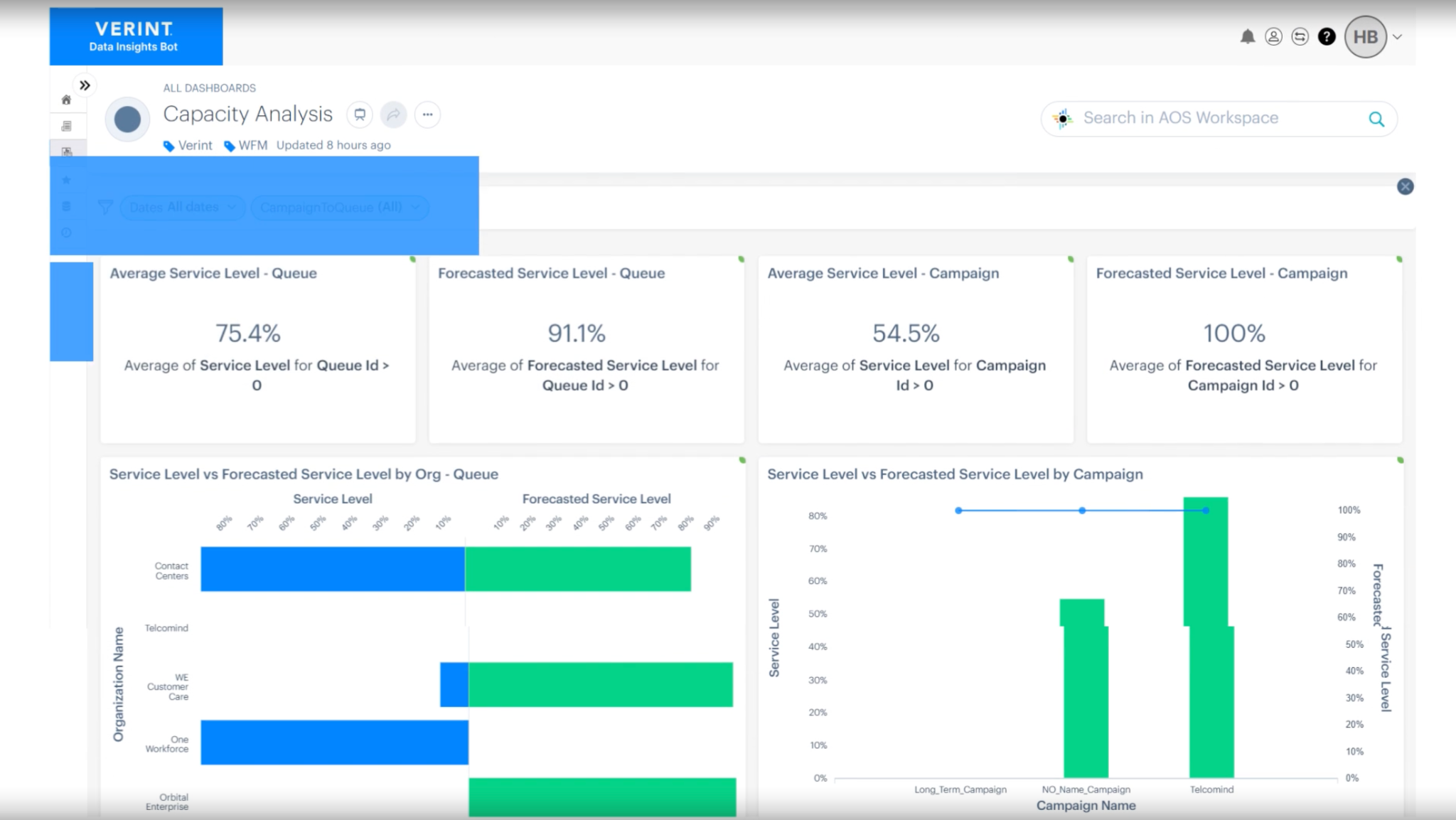
Verint Workforce Management covers contact centers, back-office operations, and branch networks. Forecasting analyzes historical volumes, work types, and handle times across live and asynchronous channels, while capacity planning projects long-term staffing needs to support budgeting and decisions.
Flexible scheduling creates schedules that account for customer demand, labor laws, and employee preferences. The TimeFlex Bot lets employees make schedule changes on their own without manager approval while protecting service levels, while the MyVerint app lets employees request time off, swap shifts, and bid on shifts.
Workforce Intelligence, an AI layer on top of Verint, includes assistants for agent schedule changes, operations recommendations and task automation, and natural-language queries of WFM data for supervisors.
Assembled
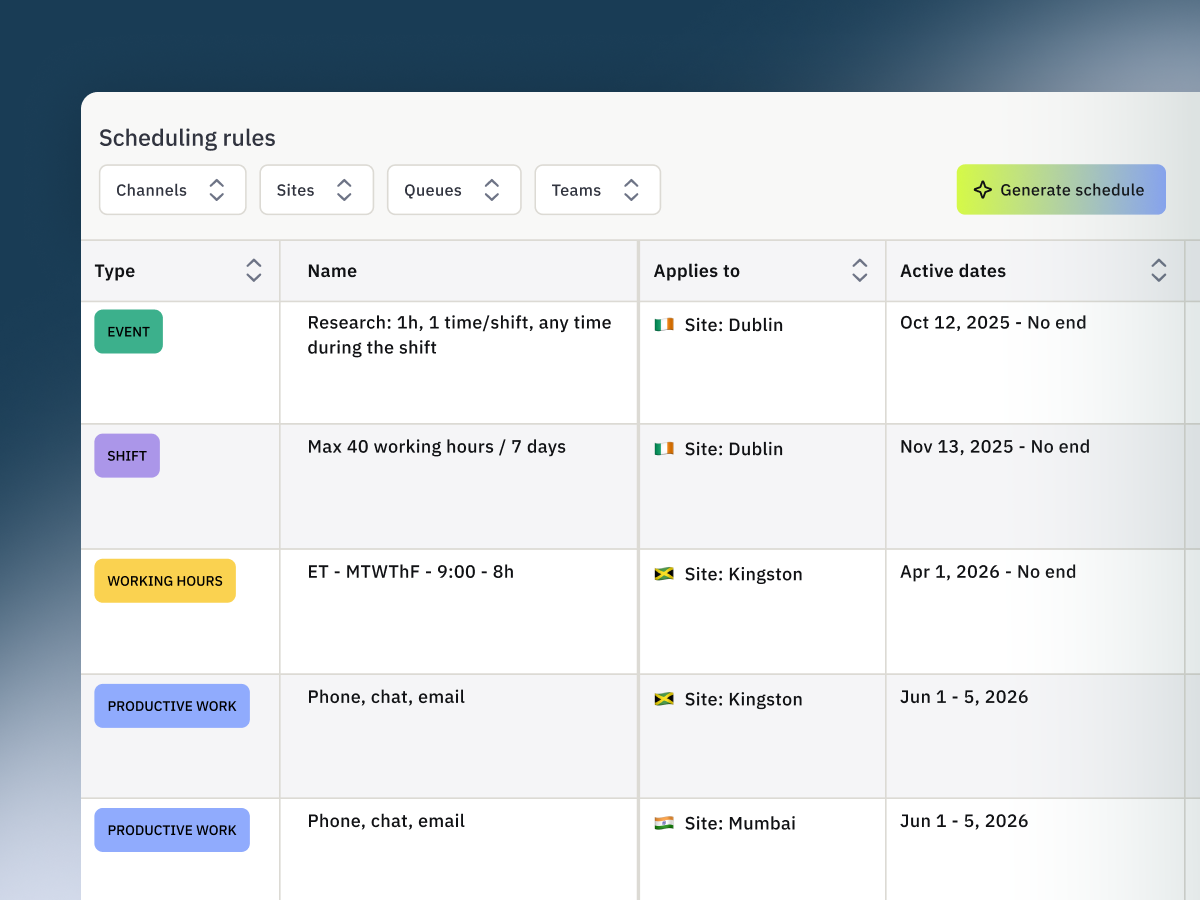
Assembled Workforce Management is built for customer support teams and plans coverage across in-house agents, AI agents, and BPO partners.
Assembled forecasts live and asynchronous work, including escalations, email backlog, specialized queues, and seasonal shifts. Teams can use built-in models or import their own via API or CSV. Human and AI capacity planning accounts for AI agent capacity alongside human staffing in a single forecasting view.
Built-in compliance checks automatically place lunches and training sessions and checks schedules for break, overtime, and shift-limit violations. Agents can trade shifts, request time off with automated approvals, and claim voluntary overtime, within limits that protect coverage.
FAQs
The most important data is historical demand data: contact volume broken down by reason, department, and channel for at least the past year. You’ll also need to know the average resolution rate per interaction (AKA, how much time it actually takes to completely resolve a customer request), employee skills and schedules, and scheduling rules. Calendars of events (holidays, billing cycles, etc.) help improve accuracy.
There’s no magic number here – forecasting accuracy depends on many different variables and the specific operation you’re examining. That said, forecasting accuracy increases with higher volumes, over longer periods of time, across established patterns. A monthly forecast for a contact center with 200 agents will, generally, be much more accurate than a weekly forecast for a newly-launched call center with 10 agents. Instead of relying on a vendor’s headline forecast accuracy number, ask how they measure that accuracy, at what interval, for operations similar to your own.
Generally, yes – but the math here is a bit different. Smaller teams, obviously, have less room to absorb unexpected demand spikes or absenteeism, meaning more accurate AI-powered forecasting and faster intraday adjustments can make a bigger difference. However, smaller teams also have less historical data to train with and fewer scheduling variables to optimize compared to enterprise contact centers. The best move for smaller teams is to bundle WFM add-ons with an existing contact center solution.