
May 21, 2026 • 27 min read
10 Contact Center Knowledge Management Systems & What Differentiates Them

Director of Content & Market Research
May 21, 2026
Contact center leaders are feeling pressure from two directions: customers demanding faster, more personalized service, and C-suite executives expecting AI deployments that drive tangible business outcomes.
It's no surprise, then, that 98% of contact centers are now using AI.
Yet here's the uncomfortable reality: only 35% of contact center knowledge bases are considered ‘’AI-ready’. That means two-thirds of customer service leaders are rolling out AI on a foundation they themselves acknowledge is not fit for purpose.
In response, many contact centers are pulling scattered knowledge out of generic tools like Microsoft SharePoint and Confluence and into specialist knowledge management systems.
What Is a Contact Center Knowledge Management System?
A contact center knowledge management system is a centralized platform that stores, organizes, and surfaces the information human and AI agents need to resolve customer queries.
Beyond simply housing content, it makes knowledge findable, usable, and measurable, tracking what's being accessed, what's driving successful outcomes, and where gaps exist.
In doing so, it helps bring agents up to proficiency, ensures consistency across teams, and accelerates decision-making.
AI is increasingly bolstering these platforms by identifying knowledge gaps in real time, federating searches across sources, and delivering contextually relevant content directly within agent workflows. It’s also automating content categorization through taxonomies and metadata, making information sharper and easier to find.
The overall result is a knowledge management solution that is no longer a static base of information, but a living, intelligent system that doesn't just store what a team knows, it actively builds upon that knowledge and puts it to work.
Why Implement a Specialist Contact Center Knowledge Management System?
Many contact centers still store knowledge in legacy repository tools such as SharePoint or Confluence, alongside file storage systems like OneDrive, Google Drive, or Dropbox.
Over time, these environments become difficult to manage, giving rise to contradictions, duplications, and outdated content, ultimately putting contact center agents, both human and AI, at risk of passing inaccurate information to customers.
To address this, many contact centers turn to the knowledge base built into their contact center as a service (CCaaS) or customer relationship management (CRM) system.
Yet, there are also specialist contact center knowledge management solutions, which typically outperform their native CCaaS and CRM counterparts in four key areas:
- Platform Depth: Across some CCaaS and CRM offerings, the knowledge base is little more than a question-and-answer table with a search engine and usage statistics. For smaller organizations, that may be enough. However, enterprise environments typically require much greater depth, governance, scalability, and functionality.
- Long-Term Innovation: For contact center platform providers, knowledge management is usually a supporting feature rather than the main product focus. As such, innovation is typically slower, and support is less specialized.
- Accessibility: Large organizations often have employees outside the contact center who still need access to knowledge. If the knowledge only exists inside one platform, organizations can end up duplicating content across multiple systems, which creates inefficiencies and inconsistencies.
- Knowledge Standardization: Global organizations often utilize different CCaaS and CRM solutions across the business. They don’t want siloed knowledge across each platform. They want centralized, reusable knowledge across the organization.
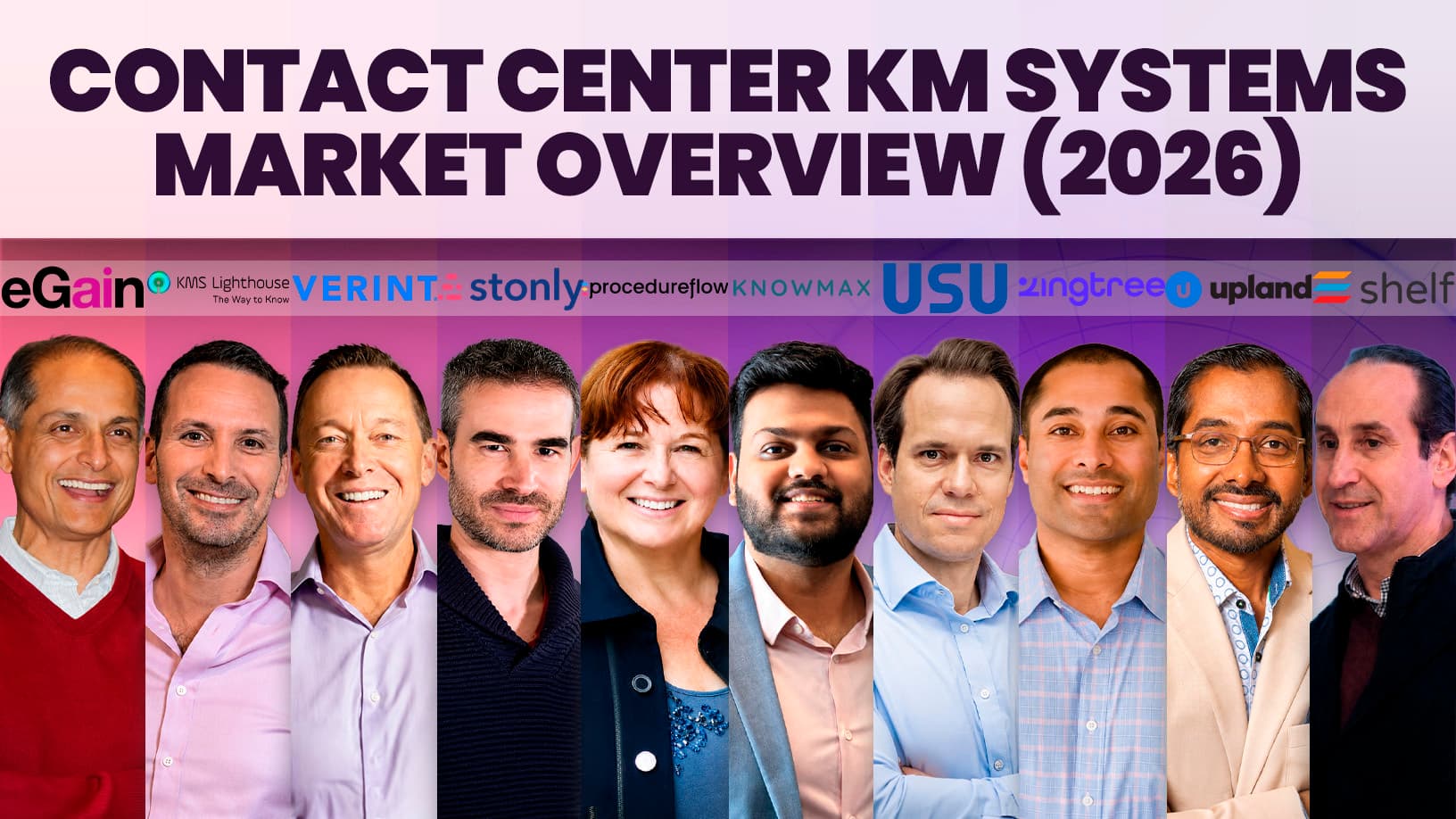
The 10 Contact Center Knowledge Management Systems
While broader enterprise knowledge systems exist - such as Document360, Guru, and Helpjuice - the following ten specialist solutions are purpose-built for contact center requirements. Here's what sets each of them apart.
1. eGain
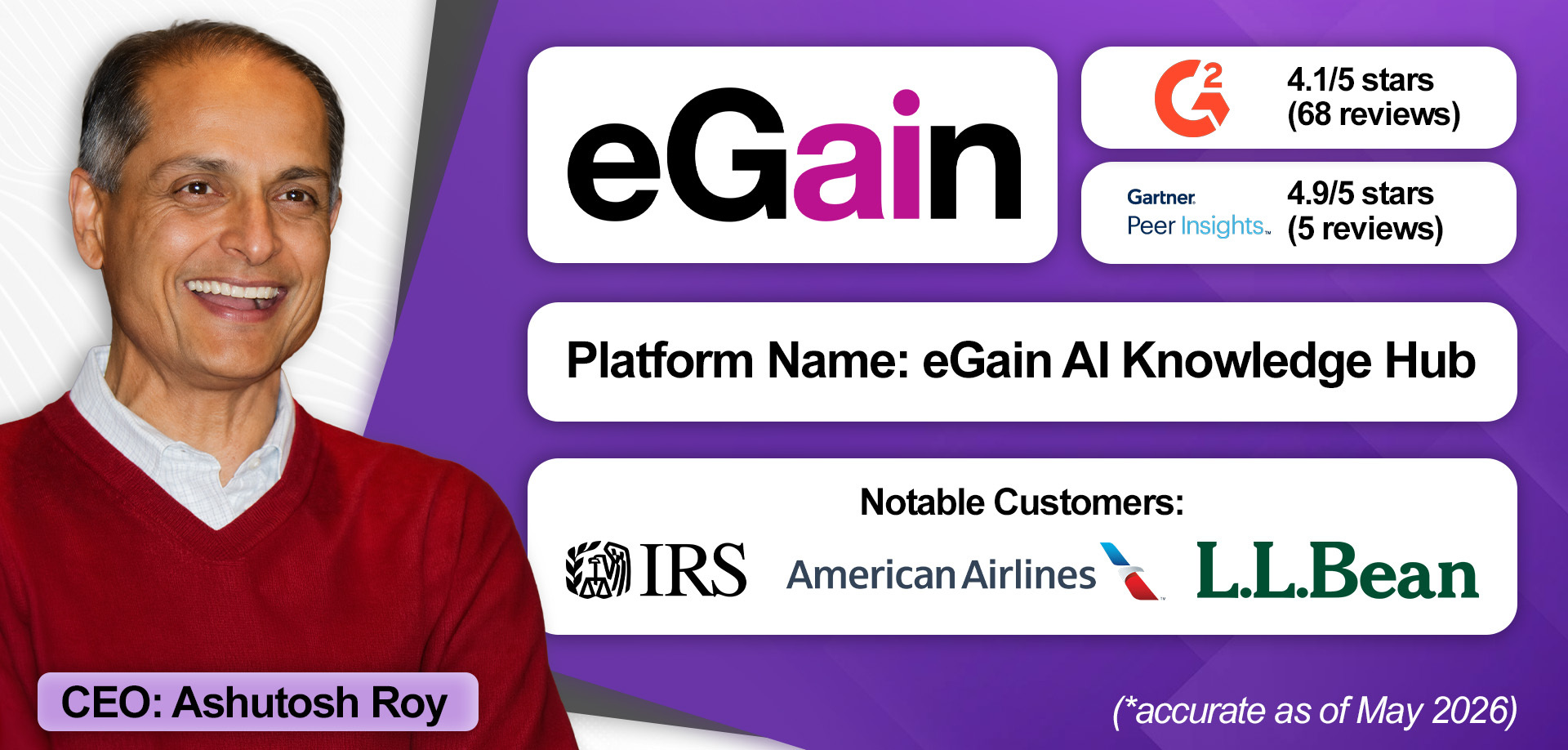
Alongside knowledge management, eGain offers conversational AI and agent-assist capabilities, helping differentiate its platform.
Its conversational AI helps customers navigate websites, apps, and billing systems by proactively surfacing relevant guidance from the knowledge management system based on customer journey analytics. From there, it can also support self-service.
If a query escalates to a human agent, eGain provides personalized guidance tailored to the agent’s proficiency level. Novice agents receive fully guided workflows, while more experienced agents are given lightweight checklists and reminders to avoid slowing them down.
The platform also listens to conversations in real time, dynamically adjusting guidance as discussions evolve. At the same time, it monitors whether agents are following best-practice processes and feeds those insights back into performance management systems to highlight coaching opportunities.
Elsewhere, eGain has introduced an evaluation layer to address a growing challenge in AI-powered knowledge systems: as organizations continuously add content, conversational AI can drift or generate inconsistent responses. To counter this, eGain measures performance across ingestion, retrieval, answer generation, and conversation outcomes, establishing a performance baseline and continuously monitoring for deviations as new knowledge is added.
The evaluation layer also identifies duplication and conflicts within the knowledge base. Rather than defining duplicates as identical content alone, eGain focuses on whether multiple pieces of content attempt to answer the same customer question, distinguishing between intentional contextual variation and genuine redundancy or conflict.
All these capabilities (and others) are embedded within the eGain Knowledge Method, the company’s framework for implementing and optimizing knowledge management systems, which accelerates time-to-value.
“We provide a closed-loop environment: a trusted knowledge source, continuous improvement, AI automation, performance insights, and learning integration all working together.”

Standout Features
- The eGain Knowledge Method: eGain has distilled 25 years of operational experience into a framework for implementing and scaling knowledge management. Developed in response to customer challenges with fragmented information spread across disconnected systems, the methodology is designed to create a trusted knowledge foundation that supports knowledge management, self-service, and agent-assist initiatives at scale.
- Personalized Agent Assistance: The provider owns contact center agent-assist functionality, delivering real-time, contextual knowledge tailored to each agent’s proficiency. It also monitors whether agents follow best-practice processes and feeds those insights into an integrated quality management (QM) system. This enables policy-aware QM and helps identify where agents may need additional coaching or support.
- Knowledge Evaluation Layer: eGain’s evaluation layer helps prevent AI and knowledge systems from drifting as new information is added. It measures performance across ingestion, retrieval, answer generation, and conversation outcomes, continuously monitoring for deviations from established baselines.
How Much Does It Cost?
The eGain AI Knowledge Hub starts at $25 per user per month for service reps. For users outside the contact center, pricing is lower at $12.50 per user per month. Learn more about eGain’s pricing model here.
2. KMS Lighthouse
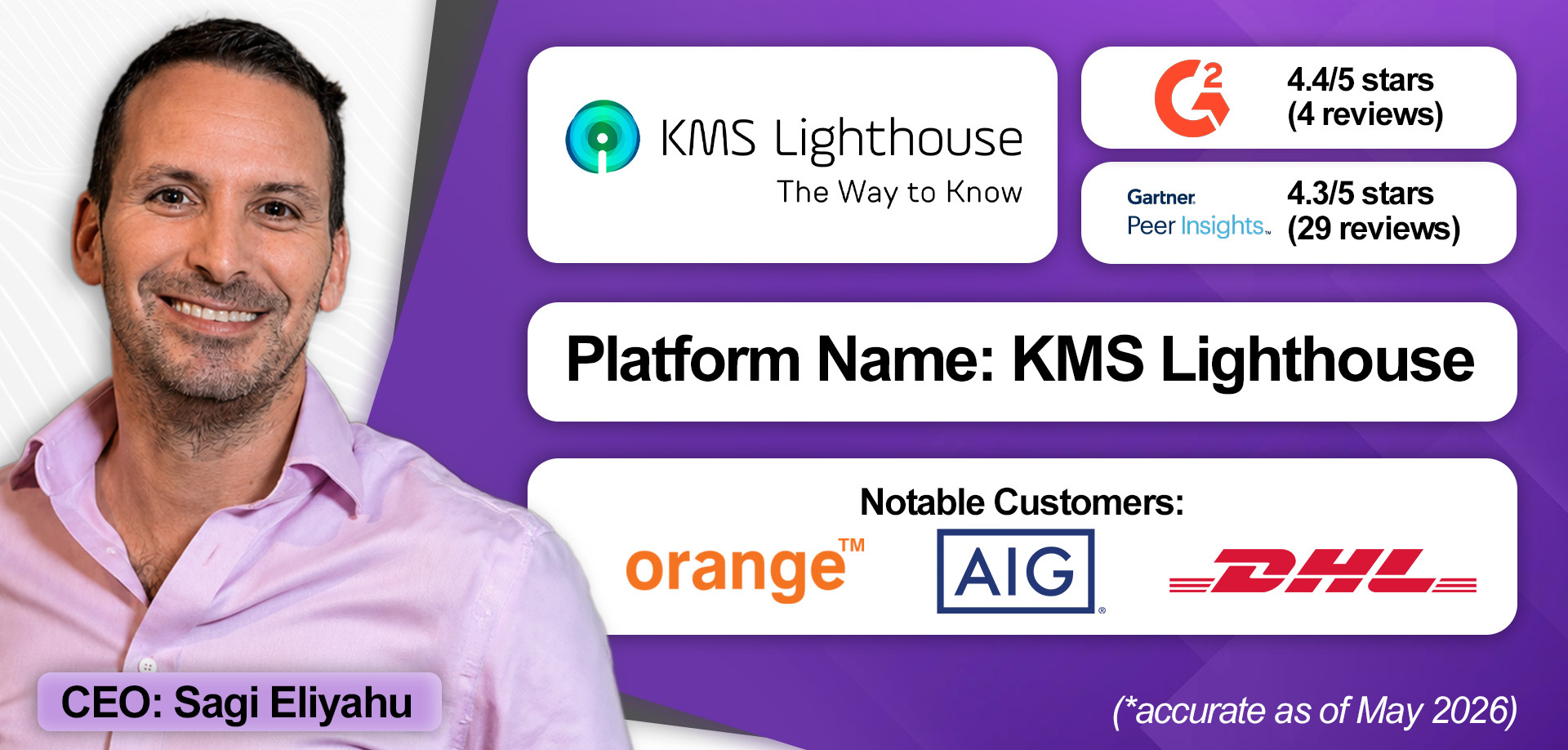
Founded in 2012, KMS Lighthouse was originally built for a telecoms company that needed a contact center knowledge base. Since then, it has grown into one of the most widely used platforms in the space, with knowledge management remaining its sole focus.
As the market evolved, KMS Lighthouse has kept pace with the latest AI capabilities. That’s evident in its AI agents that proactively check incoming tickets against the knowledge base and inserting answers directly into workflows. When recurring issues lack supporting knowledge, the system can also draft new knowledge articles automatically.
KMS Lighthouse partners closely with prominent CCaaS and helpdesk providers while also supporting MCP integrations, allowing organizations to connect their own AI agents and leverage knowledge stored within the platform in broader ways.
Alongside AI agents, KMS Lighthouse places emphasis on knowledge health and scoring. Its tools help organizations identify outdated content, duplication, inconsistencies, and incomplete article structures, issues that can negatively impact both human and AI agents.
The platform also offers a conversational knowledge experience, enabling users to ask questions directly within knowledge articles. Importantly, the AI only references approved content that users have permission to access, rather than pulling from external or unverified sources.
Finally, KMS Lighthouse differentiates through enterprise scalability. Organizations can map knowledge access based on roles, departments, and locations, enabling a level of observability that guides decisions around integrations, workflows, and security requirements.
“Our focus is entirely on knowledge management. That’s what we do. Our mission is to continue being the leading enterprise knowledge management platform.”

Standout Features
- Conversational Knowledge Experience: KMS Lighthouse enables agents to interact with knowledge conversationally through an AI assistant that surfaces answers from approved, permission-based content and expands searches across the wider authorized knowledge base when needed.
- Advanced Knowledge Health Monitoring: The platform enables organizations to maintain high-quality knowledge by identifying outdated content, duplication, inconsistencies, and incomplete articles, ensuring knowledge remains accurate, usable, and ‘AI-ready’.
- Platform Scalability: KMS Lighthouse often supports enterprise-scale deployments by mapping knowledge access across roles, departments, and locations while working closely with customers to isolate their unique integration, security, governance, and compliance requirements.
How Much Does It Cost?
Pricing starts from $30 per month, per named user. KMS Lighthouse requests prospective buyers book a live demo to learn more. Schedule a demo with KMS Lighthouse here.
3. Upland Software
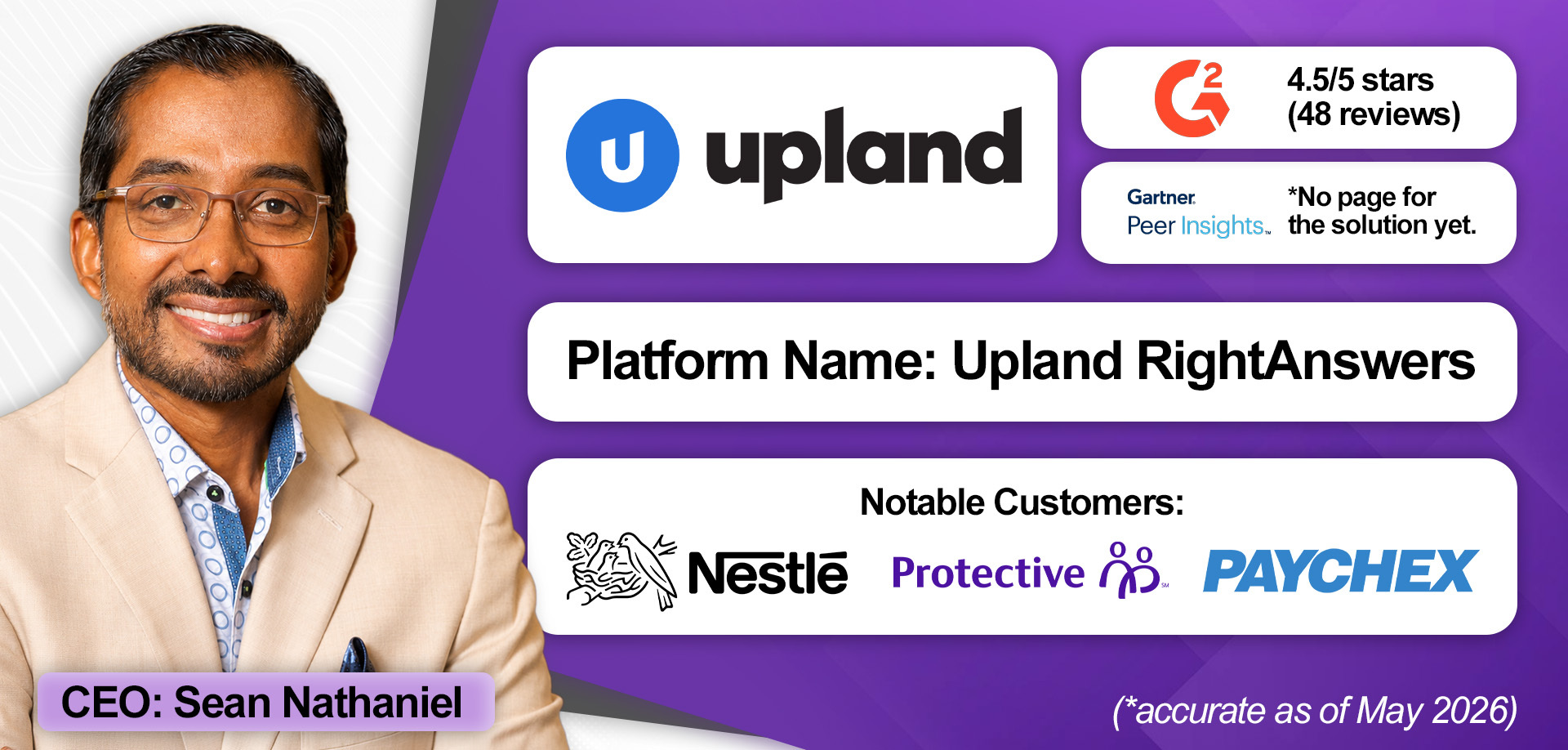
RightAnswers is Upland Software’s flagship enterprise knowledge management platform for contact centers. However, the company also offers two others: Panviva and BA Insight.
Panviva is a guidance platform that helps organizations orchestrate knowledge experiences, guiding agents through complex interactions, particularly in highly regulated industries such as healthcare and financial services.
Meanwhile, BA Insight works within collaboration solutions (like Slack and Microsoft Teams), which are increasingly becoming an entry point for work, improving information retrieval and governance. As a result, it may align well with the needs of Microsoft Teams contact centers.
Together, these three products reflect Upland’s broader strategy: rather than stretching a single platform across every use case, it positions different solutions for different operational needs.
RightAnswers itself differentiates largely through its alignment with Knowledge-Centered Service (KCS), a methodology that embeds knowledge management directly into service workflows.
Many brands choose knowledge management providers based on their KCS expertise and leadership, with Upland employing three certified KCS trainers internally.
Outside of that, Upland’s differentiation often comes down to regional presence (with 13 offices globally), support structure, and its broader portfolio, with the latter offering unique points of differentiation. Its CTI integration product, named ‘InGenius’, is one such example.
“AI doesn’t fix broken knowledge, it accelerates it. If your content isn’t governed, measurable, and embedded in the workflow, you’re just scaling inconsistency. RightAnswers turns knowledge into trusted CX infrastructure for humans, bots, and AI.”

Standout Features
- Product Breadth: Upland differentiates through a multi-product strategy, offering three distinct knowledge management solutions: RightAnswers, Panviva, and BA Insight. After close customer consultation, it aligns the best-placed product with business requirements, instead of adapting one solution to fit different use cases.
- KCS Expertise: The provider positions itself as a leader in Knowledge-Centered Service (KCS), aligning RightAnswers with the methodology and employing three certified KCS trainers internally. According to Upland, this is often a deal-winner.
- Operational Scale: Upland differentiates through its scale and global footprint. The company says it supports more than 10,000 customers and operates from 13 offices worldwide, spanning regions from Australia to the UK. This international presence enables localized support capabilities.
How Much Does It Cost?
Upland Software RightAnswers comes in three distinct packages: Knowledge Essentials, Knowledge Creator, and Knowledge Unlimited. Customers may also attach an AI Essentials module. Each is available on a monthly subscription, although prices aren’t disclosed publicly. Learn more about each package and request a quote from Upland Software here.
4. Knowmax
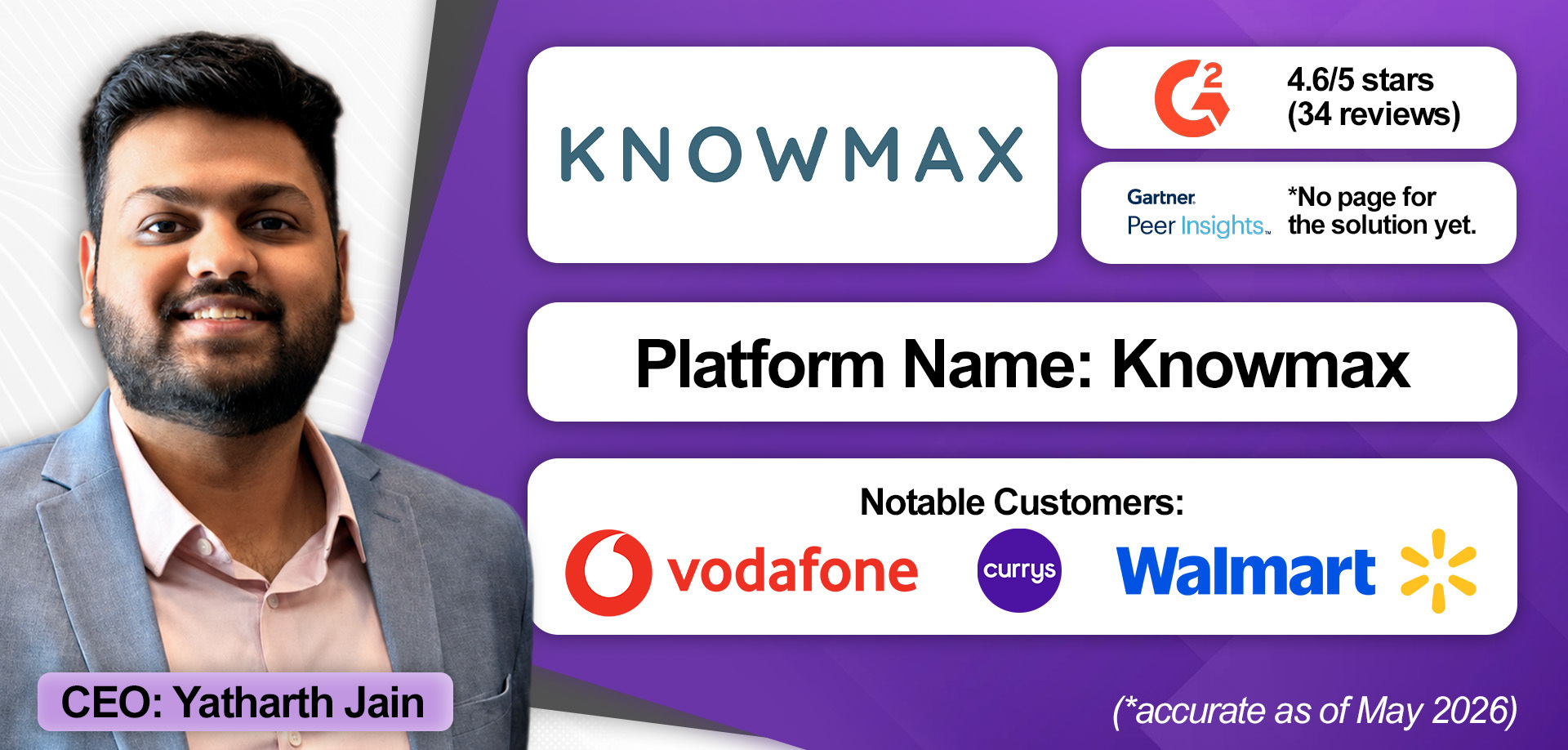
Knowmax utilizes AI to transform documented processes into guided workflows for human and AI agents, with decision trees.
However, it also allows companies to automate actions directly within those flows by building what it terms a “knowledge actionability layer.”
Here’s an example of how this works. Consider a banking customer complaining that their card is not working. There could be several reasons for this issue. Yet, Knowmax can deploy an agent to perform checks automatically.
For instance, it might determine that the customer hasn’t paid their bill. Knowmax can interact with an agent-assist tool to inform the human agent, simplifying the resolution process.
Alongside this actionability layer, Knowmax stands out for its combination of knowledge and learning management, which is especially helpful for contact centers when they launch a new product or process.
They create new knowledge base content inside of Knowmax, including FAQs, guided flows, and documentation. The solution then converts that knowledge into quizzes and assessments to ensure agents understand the resolution path. If they fail, the system assigns microlearning or a tailored training course.
In enabling this capability, Knowmax connects updates, knowledge, and learning in a synchronized loop.
Lastly, Knowmax aims to prove its value first before onboarding customers. How? By sending its solution engineering, presales, and sales teams into the customer environment to create custom demos and proof of concepts (PoCs) using the customer’s own content as part of a four-week pilot.
“The knowledge management space is evolving rapidly… We rebuilt our architecture last year to be AI-oriented and agent-oriented from the ground up.”

Standout Features
- Knowledge Actionability: Knowmax positions itself as a “knowledge actionability layer,” combining AI-driven guided workflows with built-in automation orchestration. Its platform transforms static standard operating procedure (SOP) documents into actionable, step-by-step flows that automate routine checks and surface next-best actions for agents in real time.
- Learning Management: The provider integrates knowledge management with learning management, creating a closed-loop system for updates, assessments, and training. Organizations can enforce quizzes, learning paths, and certification requirements directly within the platform to ensure agents understand new processes and products.
- Sales Experience: Knowmax differentiates through highly customized, white-glove POC engagements. Its teams build tailored four-week pilots using the customer’s own content and workflows, allowing agents to test fully replicable use cases and helping customers measure success before onboarding.
How Much Does It Cost?
Capterra suggests that Knowmax is available from $14.99 per user, per month. However, there is no official pricing on its website. To learn more about Knowmax, schedule a demo here.
5. USU
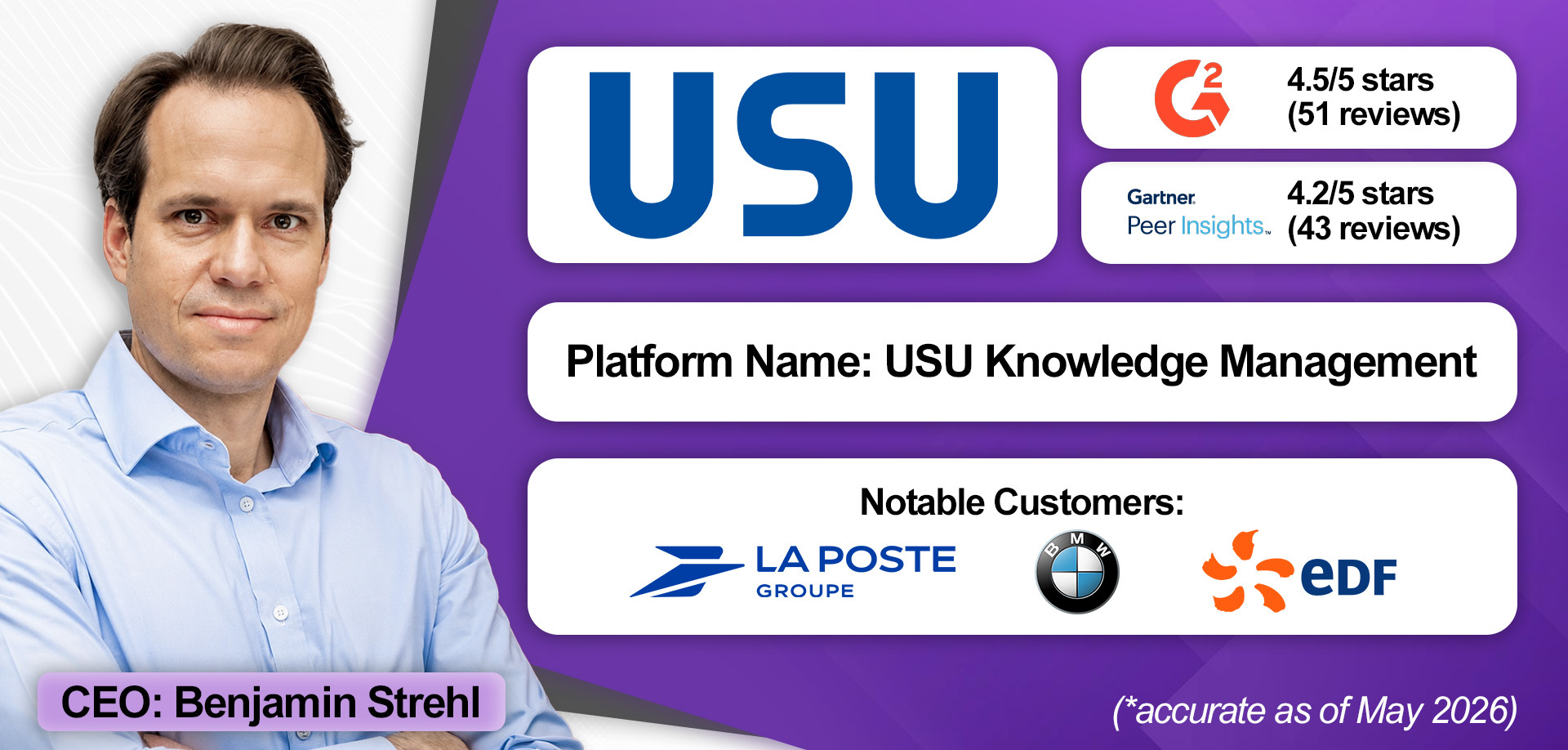
USU's primary differentiator is its hands-on approach. Sales, onboarding, and ongoing customer success management are all handled internally, enabling closer client relationships and full oversight of project delivery.
With over 700 employees across Asia, Australia, Europe, and North America, the company has the capacity to support deployments directly, chiefly serving contact centers of between 50 and 1,000 agents.
Its 2025 acquisition of competitor Mayday further extended its reach, particularly in France, while adding new capabilities such as IT service management (ITSM) support, allowing brands to standardize how they resolve service tickets.
From a product perspective, though, USU's core differentiator is the convergence of knowledge and learning management on a single platform.
Indeed, its clients can generate training modules, learning paths, workshops, and quizzes directly from the knowledge management system, meaning that whenever source knowledge is updated, all associated learning content updates automatically. That approach eliminates the version-control problem that typically plagues companies managing knowledge and training resources separately.
Looking ahead, USU plans to deepen this differentiation while building an ‘admin cockpit’ that provides a live view of the knowledge ecosystem, surfacing duplicates, outdated content, and gaps so teams can immediately take action.
“In RFPs, we’re competitive across security, compliance, and depth of functionality. But, the differentiation is around our focus and go-to-market strategy.”

Standout Features
- Integrated Learning & Knowledge Management: USU combines internal knowledge management, customer-facing knowledge bases, FAQs, and LMS functionality within a single native platform, enabling unified administration and governance without relying on third-party learning tools.
- Hands-On, In-House Delivery: The provider manages implementation, onboarding, knowledge creation, and customer success entirely in-house, supported by a global team of more than 700 employees across offices in the US and Europe.
- Mid-Market Enterprise Focus: USU specializes in serving mid-market enterprises, typically organizations with 50 to 1,000 agents, delivering scalable enterprise-grade functionality without the complexity and overhead of ultra-large custom deployments.
How Much Does It Cost?
USU does not publicly disclose pricing for its knowledge management software. Prospective buyers should contact the company directly for a consultation and tailored pricing information. Book a meeting with USU here.
6. Verint
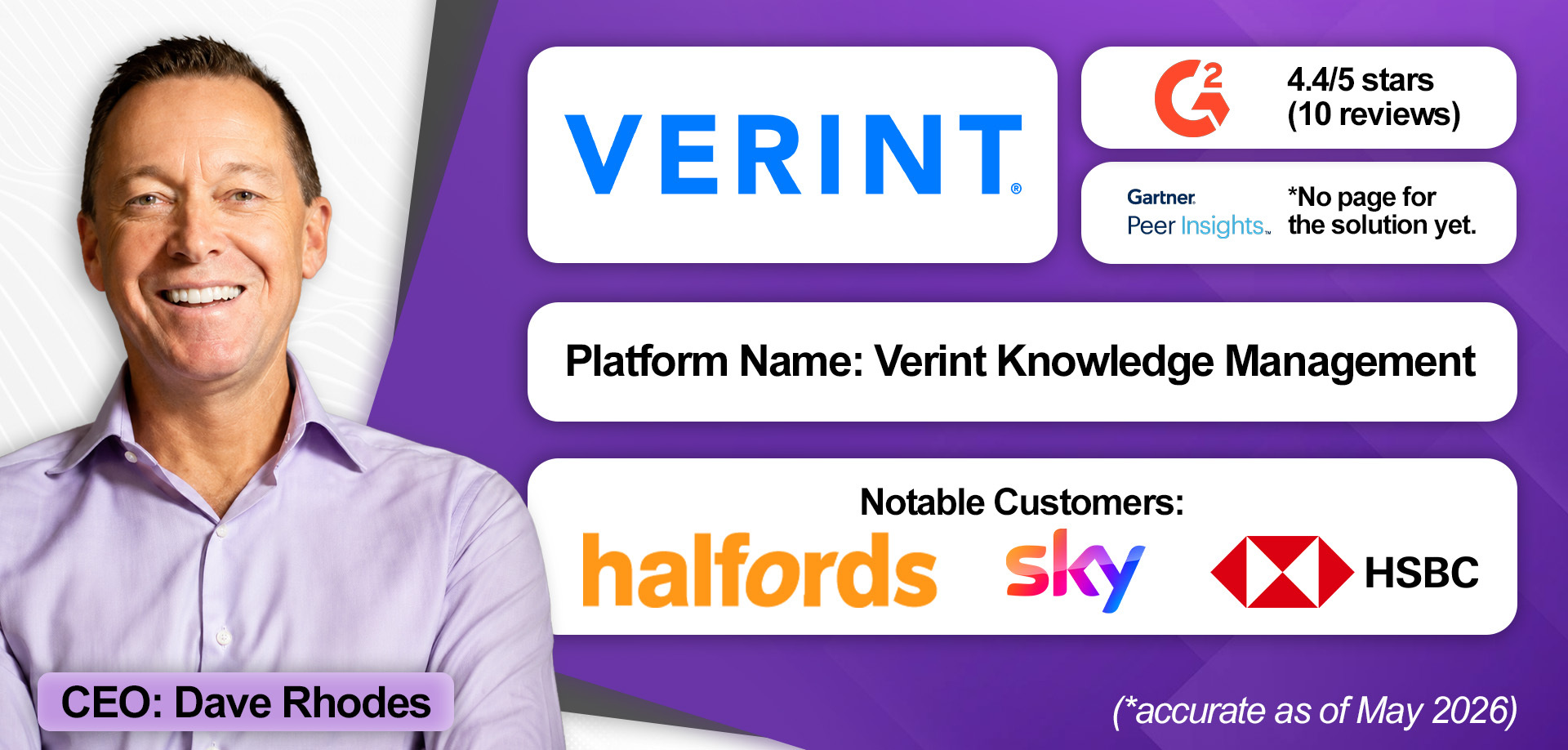
Verint partners with 80% of Fortune 100 companies. While it’s better known for workforce management (WFM) and QM technologies, it brings a big geographic footprint and enterprise expertise to the contact center knowledge management market.
That enterprise expertise is evident in its deep integration portfolio, which includes CCaaS, self-service, CRM, back-office, and first-/third-party workforce optimization (WFO) solutions.
Moving forward, its ownership of WFO could be a significant differentiation. Verint could, for example, leverage its QM and agent-assist technologies to monitor how agents interact with content, driving improvements in both knowledge quality and agent performance.
The provider’s specialized bots, which collaborate across its portfolio, lay the groundwork. Although, since Verint’s merger with Calabrio, this doesn’t appear to be an immediate priority.
Other enterprise-grade capabilities include rich multimedia content creation, multilingual authoring, and advanced permission tooling, the last of which helps manage both human and AI agent engagements.
Additionally, its external content spidering solution, which searches documents and websites alongside the core knowledge base content, is an advanced capability. This, paired with its Knowledge Creation Bot, can prove powerful in centralizing and simplifying knowledge content.
The Knowledge Creation Bot automatically summarizes long-form content into reusable knowledge articles and is complemented by a Knowledge Automation Bot. The Knowledge Automation Bot sits within the agent desktop and ingests user prompts to surface relevant knowledge content in real time.
Lastly, Verint offers knowledge management both in the cloud and on-premises, making it a rare option for legacy contact centers that are not yet ready to migrate.
Standout Features
- Deep Integration Portfolio: Verint connects knowledge management across a broad technology stack that spans the front and back office, making it a strong fit for enterprises with complex, multi-platform environments.
- Broader Verint Suite: Ownership of WFM and QM creates long-term differentiation potential for Verint. For instance, its QM and agent-assist technologies could monitor how agents interact with knowledge content, creating a feedback loop that improves content quality and agent performance over time.
- External Content Spidering: Rather than relying solely on a manually maintained knowledge base, Verint can crawl external documents and websites to surface relevant content. Also, when paired with its Knowledge Creation Bot, which distills long-form material into reusable articles, it can significantly accelerate time-to-value.
How Much Does It Cost?
Verint offers three core subscriptions: Knowledge Management Professional, Knowledge Management Enterprise On-Premises, and Knowledge Management Enterprise Cloud. However, pricing for these plans is not publicly disclosed. To learn more, contact the Verint sales team here.
7. Stonly
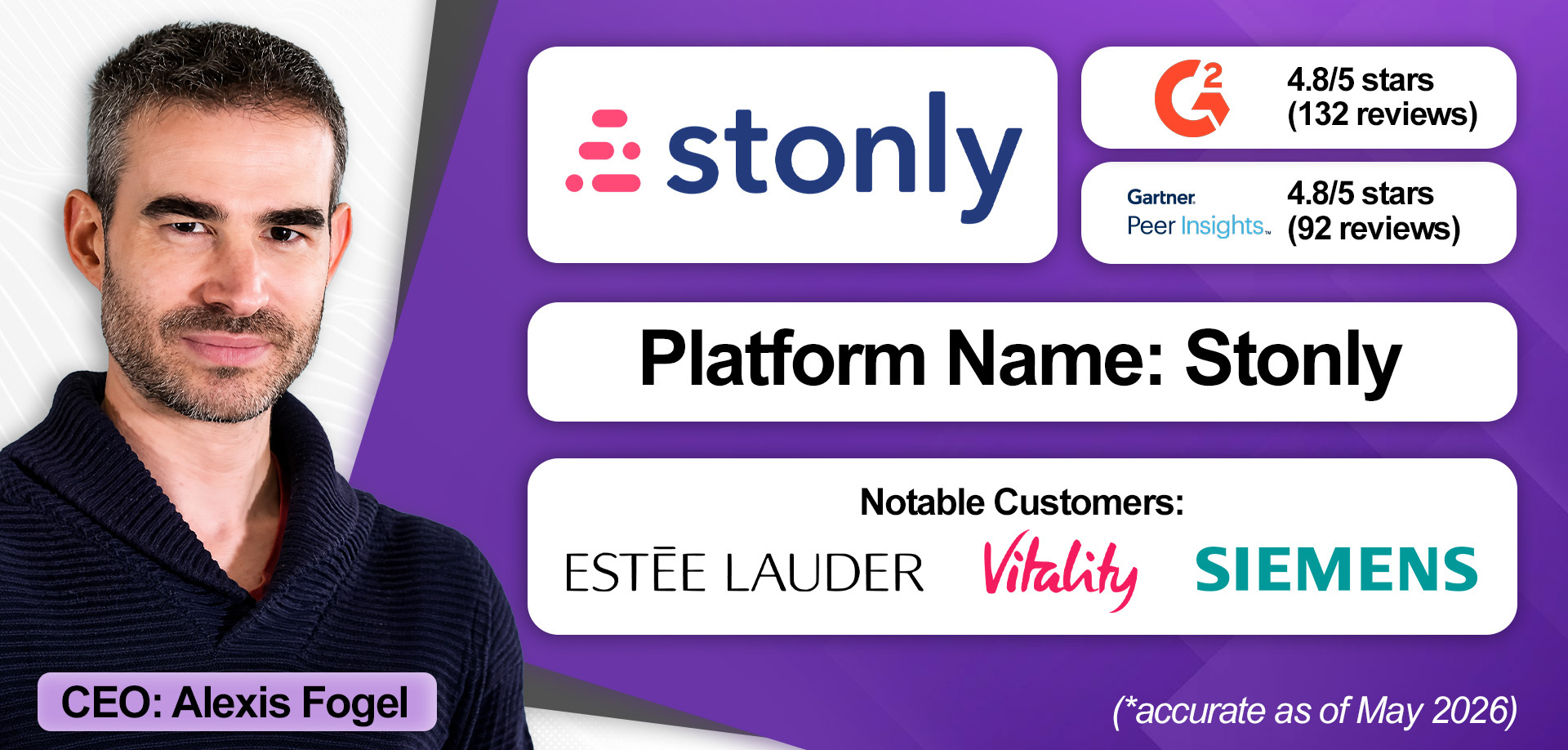
Many knowledge management providers now offer AI agents that monitor support tickets and identify knowledge gaps. When the information needed to resolve a query is missing, these systems can flag the gap and automatically generate draft content for review and approval. Stonly’s AI agents, however, go beyond this capability.
Additionally, its AI agents run regular knowledge base health checks to capture inconsistencies, dead links, and duplicated or outdated content. In doing so, Stonly positions itself ahead of the curve on a transformative technology.
The vendor’s close integrations with widely used CRM platforms such as Freshworks, Salesforce, and Zendesk are another notable strength. These integrations enable Stonly to scan support tickets and proactively recommend knowledge guides that dynamically adapt to each customer’s situation rather than serving static content.
Stonly offers this capability via its own agent-assist offering: Stonly AI Agent Assist. The platform can also generate draft responses for agents directly within connected CRM systems, an unusual capability for a knowledge management provider.
Finally, Stonly offers particularly advanced analytics into how individual agents and teams interact with knowledge content. Through what it calls “step-level feedback collection,” the platform identifies where agents encounter friction during the resolution process.
When multiple agents struggle at the same step, Stonly flags the content for review. If the issue appears isolated to an individual, the platform can route that insight to contact center quality analysts, enabling more targeted coaching.
Standout Features
- Embedded AI Agents: Stonly’s Knowledge Agents to detect gaps, fix outdated or broken content, and improve the knowledge base. They analyze support tickets, documentation, and internal feedback, flag missing information, and prepare fixes for approval. They also run health checks to ensure knowledge accuracy.
- Agent Assist Capability: Stonly integrates closely with widely-utilized CRM platforms to scan support tickets and proactively recommend dynamic knowledge guides tailored to each customer interaction. Through Stonly AI Agent Assist, the platform can also generate draft responses for agents directly within connected CRM systems.
- Advanced Knowledge Analytics: Stonly’s analytics go beyond metrics like “content views” to track how agents interact with knowledge guides, where they get stuck, and which workflows drive successful resolutions. Its “step-level feedback collection” helps teams identify friction points, improve content quality, and support more targeted coaching.
How Much Does It Cost?
Stonly offers two plans for its contact center knowledge management system: Small Business and Enterprise, with a 14-day free trial for the former. It tailors pricing across both offerings to brand requirements. Learn more about both plans and schedule an initial consultation with Stonly here.
8. Procedureflow
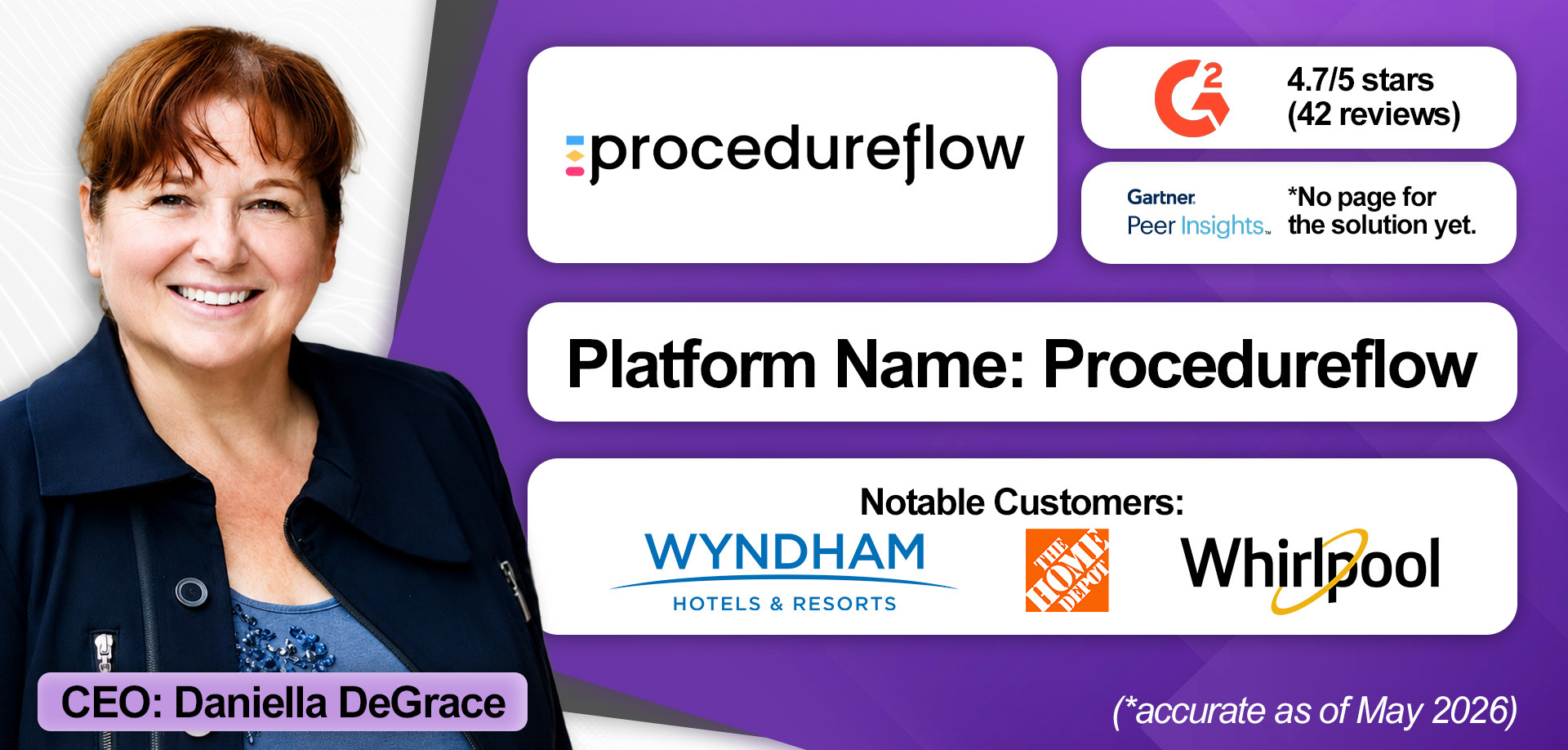
Procedureflow chiefly differentiates through its visual approach to knowledge management, with interactive guides that break down resolution flows into their individual steps.
Interestingly, each step within the guide comes in a specific shape, which indicates the type of task the agent must perform next, whether that’s taking an action, making a decision, searching for data, or something else. There are also ‘Power Shapes’ which agents can click on, triggering an automation that will perform a task on their behalf. This approach aims to simplify how agents navigate complex processes.
Collaboration is equally visual. When teams work together to enhance knowledge, they can compare versions of resolution flows side by side and review the complete change history for any given process.
The provider’s AI Process Designer helps brands create these visual maps, turning written prompts into new, editable flows aligned with Procedureflow’s unique visual approach.
Agents may access these flows directly within the tools they already use, as Procedureflow integrates with leading CRM and CCaaS platforms. Notably, it has built custom integrations with three of the four CCaaS vendors to have crossed $1 billion in annual recurring revenue (ARR): Genesys, NICE, and AWS (Amazon Connect).
Finally, onboarding follows a structured, white-glove approach underpinned by Procedureflow's Knowledge Governance Framework. This establishes clear accountability for customer-facing content, helping ensure the information agents rely on is accurate and reliable from day one.
Standout Features
- Unique Visualized Knowledge Flows: ProcedureFlow transforms complex, text-heavy procedures into clear, visual workflows where every shape reflects a specific type of task the agent should perform. This approach makes tricky processes easier to understand, navigate, and execute.
- AI Process Designer: This solution converts prompts, documentation, or raw process knowledge into structured visual flows. In doing so, it eliminates manual mapping by allowing teams to instantly generate new processes, reduce reformatting effort, and automate repetitive tasks using Power Shapes.
- Deployment Experience: ProcedureFlow helps organizations build a structured, accountable knowledge system starting with a knowledge assessment that identifies what’s working, what’s missing, and where risk exists. It then applies a unique Knowledge Governance Framework to improve the implementation process.
How Much Does It Cost?
The Enterprise Edition of Procedureflow costs $33 per user, per month, and is billed annually. Its “Enterprise+” offering comes at a price tailored to an organization’s requirements. Learn more about Procedureflow’s pricing model here.
9. Zingtree
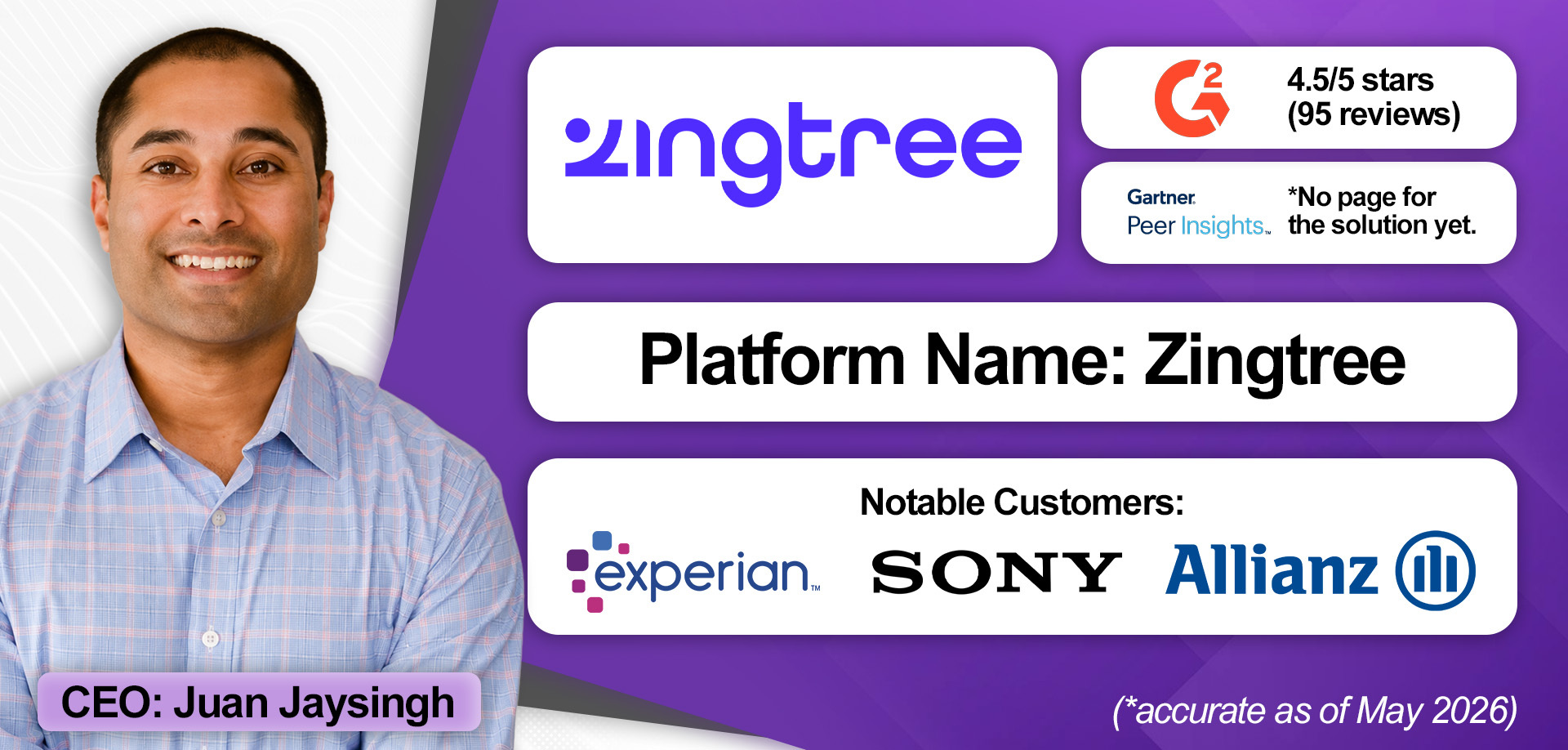
Founded in 2014, Zingtree was an early innovator in the knowledge management market, offering a solution that simplified contact center processes by breaking them into decision trees.
In doing so, it aimed to get processes out of people’s heads and into structured workflows, capturing institutional knowledge and standardizing how contact center work gets done.
Increasingly, it has added AI to automate more of those decision trees, while provisioning new integrations to pull context into workflows.
Its CX Actions capability is particularly effective here, automating processes between systems (including homegrown and third-party solutions) and driving workflows across them.
These workflows are largely deterministic, which is excellent for brands in highly-regulated industries. However, it also utilizes generative AI (GenAI) for non-deterministic flows, with confidence scoring, so the AI only automates if it has enough context.
Outside of features and integrations, Zingtree’s approach to knowledge also helps to standardize change management. Indeed, if a new use case comes up, brands build or modify a tree. That removes anxiety around process change and establishes operational vigor.
In this sense, it presents not just a knowledge management system but a constant philosophy for how knowledge is applied and work gets done.
Standout Features
- CX Actions: Zingtree streamlines customer resolutions by not only orchestrating how work gets done but also by automating workflows across third-party applications.
- Process Control and Governance: The provider's strong focus on structured workflows and guardrails supports organizations in regulated industries by enforcing the consistent application of knowledge.
- Change Management: If a new use case comes up, Zingtree can quickly build or modify a tree. This flexibility reduces the risk and overhead of process updates, helping teams adapt quickly and accelerating the adoption of new processes.
How Much Does It Cost?
Zingtree provides custom quotes to prospects based on their unique requirements, with customers purchasing an annual subscription. Speak with the Zingtree team and get a quote here.
10. Shelf
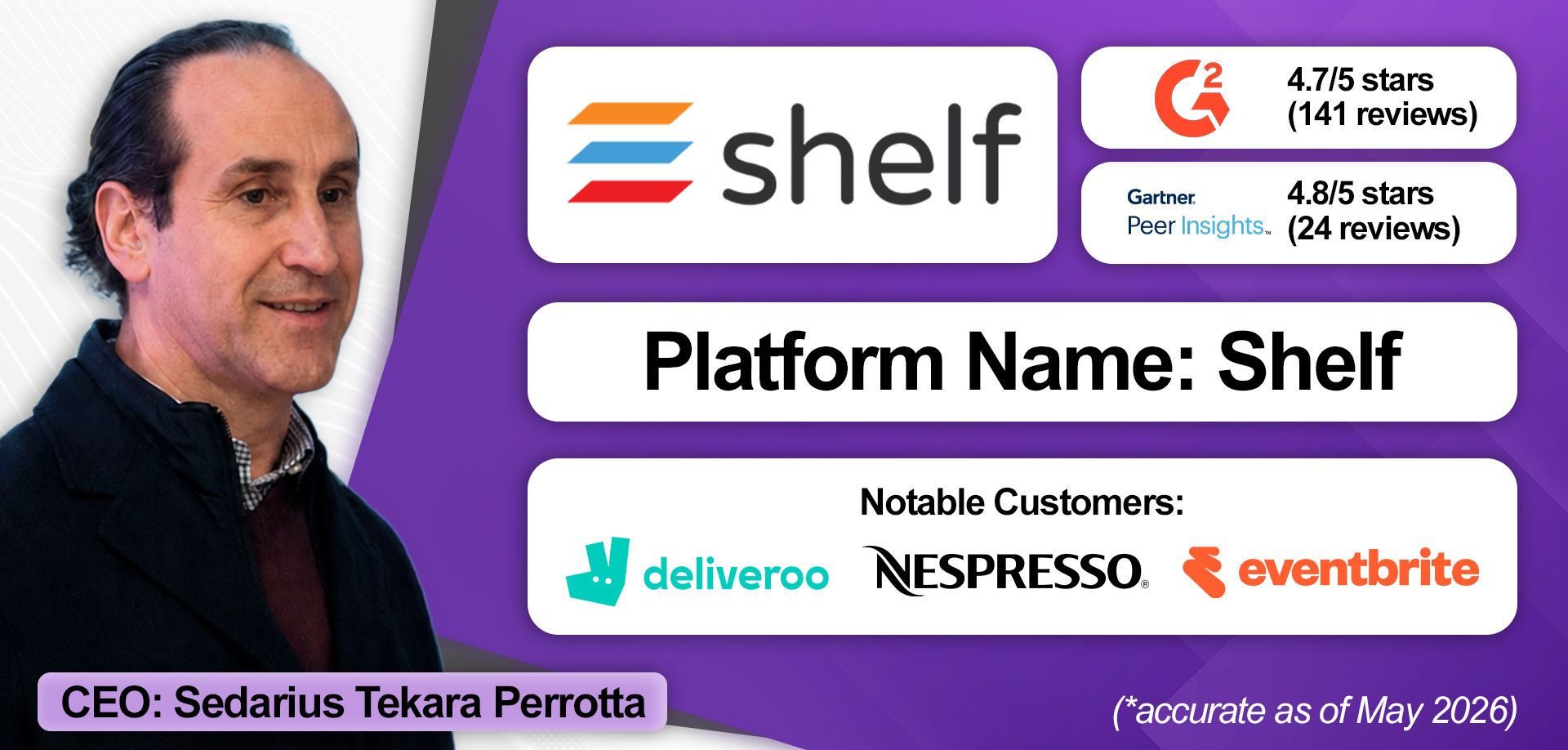
Shelf became a prominent contact center knowledge management solution provider thanks to its intense focus on knowledge accuracy and quality, supported by its MerlinAI engine.
The MerlinAI engine interrogates knowledge content to not only isolate outdated, duplicated, and conflicting content, but also checks it for missing context, compliance issues, bias, and other risks.
In doing so, Shelf analyzes documents at the section level, not just whole files, recognizing that answers typically come from specific passages, not entire documents.
Additionally, Shelf monitors generative AI (GenAI) outputs. If an agent-assist tool suggests a customer response drawn from a risky or low-trust section of a knowledge article, the system alerts the agent to review it carefully before sending it to the customer.
Another advanced capability is Shelf’s Content Copilot. The virtual assistant creates knowledge materials, whether that’s an article or a decision tree, through a written prompt and a “single click”.
Finally, Shelf never deletes older knowledge content. Instead, it deactivates it, believing that even inactive content contains valuable knowledge and institutional learning, which can improve future decision-making, such as product design and R&D. It then supports organizations in curating older content, which may still be of value elsewhere in the organization.
Standout Features
- MerlinAI Engine: Shelf’s proprietary MerlinAI engine continuously analyzes knowledge content across 23 diagnostic categories to detect outdated information, duplication, conflicting guidance, compliance risks, bias, and missing context. Breaking content into sections and comparing them at scale gives contact centers a clear, actionable view of knowledge quality and trustworthiness.
- Shelf Content Copilot: Shelf enables teams to rapidly create and optimize knowledge for both human and AI agents. Features like one-click content improvement, intuitive decision trees, and support for 100+ languages help organizations to more quickly produce consistent, accurate, and AI-ready support content.
- GenAI Monitoring: Shelf actively monitors AI-generated responses to identify when answers are sourced from low-confidence, outdated, or risky content. Real-time flagging and validation checks help contact centers detect inaccuracies before they reach customers.
How Much Does It Cost?
Shelf does not publicly disclose pricing for its knowledge management platform. Instead, prospective customers are encouraged to discuss their requirements with the Shelf sales team and receive tailored pricing. Contact Shelf to learn more here.
Trends Reshaping the Contact Center Knowledge Management Market
As AI promises to transform customer service experiences, knowledge management solutions have become more critical.
Yet, the technology isn’t standing still. Here are five key trends driving innovation across the knowledge management market.
Contact Center Knowledge Management Extends Into the Enterprise
Think about how enterprises develop software. Traditionally, it consisted of instructions (code), data, and processors executing operations.
With AI, that model is changing.
Now, knowledge has become the instructions, customer and contextual information the data, and the LLM the processor.
Ultimately, that changes how organizations think about knowledge.
As Arvind Gopal of eGain stressed: “Knowledge is no longer just something used to train employees; it's the operational foundation for how the business runs.”
As a result, knowledge management is moving beyond contact centers and learning departments into core enterprise infrastructure.
Knowledge Management Shifts to Knowledge Sharing
As noted in the previous point, knowledge management is no longer confined to contact center agents. Organizations increasingly want one centralized knowledge layer serving:
- Contact centers
- Branch employees
- Field service workers
- Product research teams
- Sales and marketing teams
- AI agents
That’s driving new integrations with collaboration platforms, such as Slack, Microsoft Teams, and Zoom.
Interestingly, some organizations are also integrating knowledge management with employee and IT service management solutions, creating a single source of truth for enterprise-wide service management.
By doing so, they standardize how they respond to support requests from across the business, minimizing duplicated effort.
Integrations with CCaaS and CRM Solutions Mature
Knowledge management systems can increasingly tie into CCaaS and CRM solutions, analyzing case histories and resolutions to identify gaps, suggest or auto-create knowledge articles, and reuse proven solutions in new tickets.
Additionally, providers are linking their knowledge management systems to their partners’ agent-assist technology, not just to surface relevant content but to deliver a more intelligent knowledge experience.
For instance, eGain tailors the guidance agents receive in the organization’s agent-assist tools based on their individual proficiency levels, moving away from a one-size-fits-all approach.
Knowledge Management Converges with Performance Management
Knowledge base providers are increasingly linking knowledge and performance management.
For example, Knowmax uses existing knowledge content to create microlearning modules that can be seamlessly integrated into agent development plans.
eGain takes a different angle, monitoring how agents interact with knowledge content and feeding those insights back into its QA system, flagging, for instance, whether an agent followed the correct policy.
That latter capability points to an emerging battleground where knowledge base and QM vendors may soon find themselves in direct competition.
“AI-Readiness” Drives Knowledge Management Software Adoption
A question increasingly on the minds of contact center leaders is: how do we make our knowledge AI-ready?
The providers best placed to answer it combine advanced health scoring and governance tools with systems that automatically structure knowledge for both human and AI consumption.
Crucially, organizations shouldn’t focus on building knowledge specifically for AI. Instead, according to Doron Gower of KMS Lighthouse, they should prioritize creating accurate and usable knowledge, allowing the platform to handle AI-readiness in the background.
The Future of the Contact Center Knowledge Management Space
Knowledge management is evolving from a passive support function into the central nervous system of customer experience.
Rather than sitting in repositories waiting to be searched, knowledge is becoming continuously active, guiding human- and AI-led conversations in real time, while every interaction feeds back into the system to steadily refine its accuracy and coverage.
As this shift takes hold, competitive advantage will depend less on who has the most sophisticated AI capabilities and more on who maintains the most trusted, well-governed, and dynamically evolving knowledge layer.
Buyers should keep this in mind when evaluating contact center knowledge management systems, prioritizing those that help establish ownership and accountability for content accuracy, provide tools that enforce consistency, and deliver scalability across roles, departments, and use cases.
The vendors that earn long-term trust won't just be those with the most compelling AI story; they'll be the ones that help organizations build a knowledge foundation reliable enough to stake their customer experience on.