February 24, 2026 • 29 min read
11 Microsoft Teams Contact Center Solutions & Their Differentiators in 2026

Director of Content & Market Research
February 24, 2026
Many global technology providers have built contact center solutions on Microsoft Teams.
Why? Because a central enterprise communications platform offers several benefits.
For starters, customer support teams can send queries across the business to subject matter experts (SMEs), simplifying resolutions.
Service agents may also benefit from a familiar interface, real-time support channels, and less solution hopping.
At the same time, businesses can collect all communications data relating to customer cases on one platform and send it through to the CRM.
Of course, there are other collaboration platforms that these vendors could build on, such as Cisco Webex, RingCentral, and Zoom.
However, Microsoft Teams presents the most attractive opportunity, with over a million organizations worldwide implementing the solution.
Microsoft does have its own Dynamics 365 Contact Center, which shares a voice platform with Teams.
Yet, customers have many alternative options, whether they wish to integrate a third-party CCaaS solution or deploy a native Microsoft Teams contact center.
These options follow three types of integration models, which are crucial to understand before weighing up Microsoft Teams contact center solutions.
The Three Types of Microsoft Teams Contact Center Solutions
As of July 2026, there are 29 providers of certified Microsoft Teams contact center integrations, with three more running through the certification process.
Each certified integration runs on one of the following three models.
1. Connect
The Connect model uses Direct Routing with certified Session Border Controllers (SBCs) to connect contact center solutions with Microsoft Teams.
Alongside voice integration through the SBC, the solution connects to Microsoft via a Graph API. This enables agents to check the availability of back-office staff, see whether colleagues are already engaged on calls, and route cases accordingly.
Connect is the most straightforward integration model. It is typically quick to deploy, relatively simple to manage, and cost-effective.
However, it uses limited Teams functionality, and when calls move from the SBC to Teams, data may pass outside the Teams framework. Ultimately, that can introduce additional security and management concerns.
Moreover, latency and voice quality issues are more likely to arise across this lightweight integration model.
Most major CCaaS providers offer Connect integrations and stop there. Companies such as Cisco, NICE, Five9, Genesys, and Talkdesk currently provide only this type of integration. As a result, their own platforms remain the primary agent interface rather than Microsoft Teams.
2. Extend
The Extend model positions Microsoft Teams as the primary interface for both internal and external communications.
Instead of relying on SBC-based call control, Extend uses one of three connectivity options - Operator Connect, Direct Routing, or Microsoft Teams Calling Plans - to deliver calls into an Azure bot.
Through Microsoft Graph’s Cloud Communications APIs, the bot manages audio streams, applies routing logic and automation, and invites agents to join the conversation.
Compared to Connect, Extend offers several advantages. For instance, call quality and latency typically improve, as calls and media remain within the organization’s Teams tenant. Call control also stays inside the Teams framework, reducing the need to switch between multiple applications.
That said, not all Extend providers offer the same degree of openness. And while Extend represents a deeper integration than Connect, it is not the most tightly embedded model available…
3. Unify
Formerly known as ‘Power’, the Unify model embeds Microsoft Teams Phone directly into a third-party application using SDKs and APIs from Azure Communication Services (ACS).
As a result, the application delivers a “one app, one screen” contact center experience entirely within Microsoft Teams.
Given that many Extend providers now deliver a near single-dashboard experience, this is more of an evolution rather than the dramatic upgrade many considered upon launch.
Yet, there are unique advantages to Unify. For instance, with this model, organizations can separate contact center and personal Teams calls. They may also provide deeper access to media streams through ACS, enabling better real-time speech processing, analysis, and - perhaps most critically - AI integration.
As providers evolve their Unify offerings, expect Microsoft Teams contact center solutions to become increasingly advanced.
The 11 Microsoft Teams Contact Center Solutions
All 11 of the following Microsoft Contact Center solution providers use the Unify integration model. As of July 2026, nine have achieved official certification. The remaining two - Enghouse Interactive and Luware - are currently in the certification process and expect to receive approval soon.
1. AudioCodes
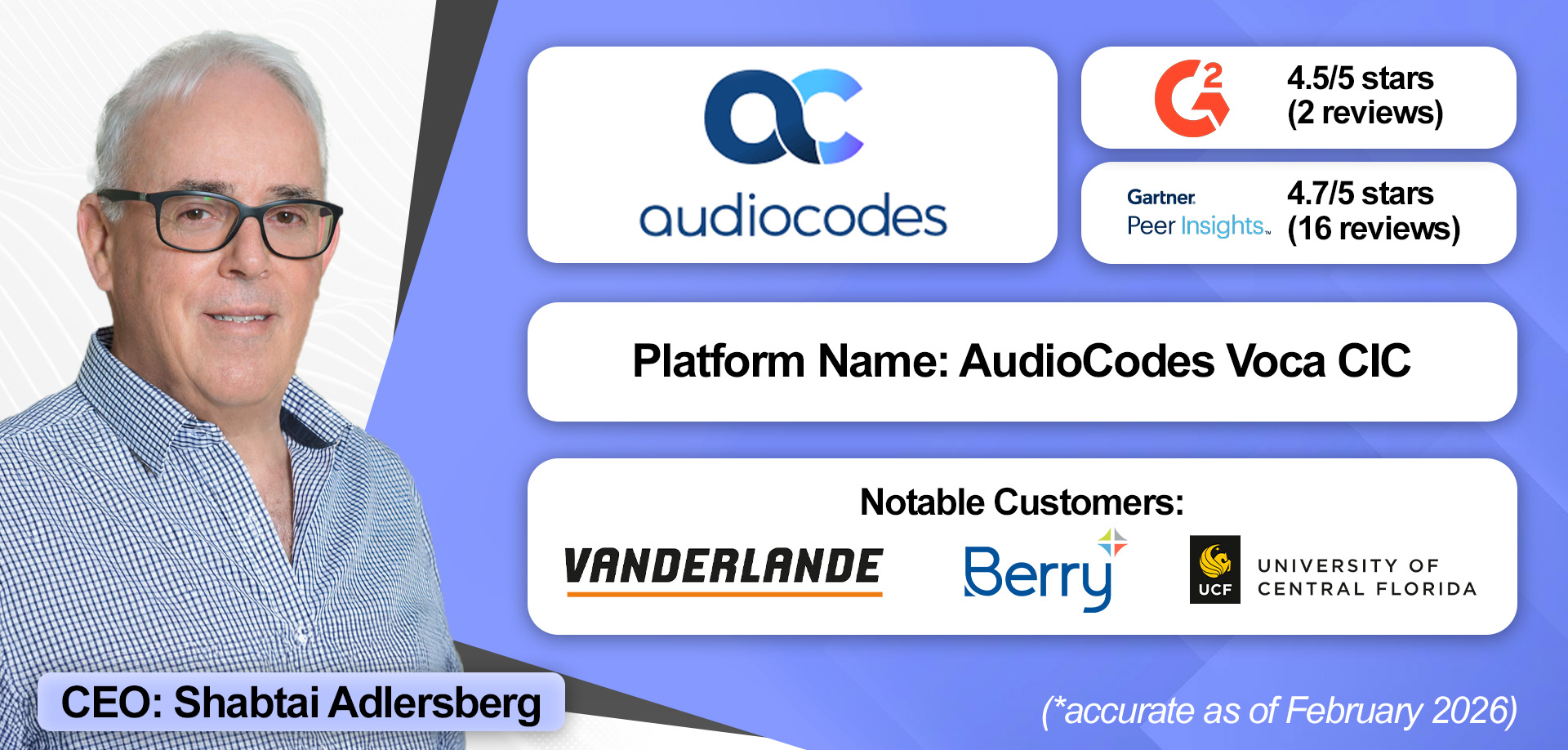
AudioCodes operates as both a product vendor and global professional services provider, with its own engineers deploying the Voca Conversational Interaction Center (CIC).
That alignment has helped AudioCodes build a reputation for strong execution, supported by a tight feedback loop in which R&D develops the product, services deploy it, and field insights flow directly back to R&D.
The same loop has sharpened the vendor’s focus on contained, high-value AI use cases. Its AI Receptionist is an excellent example, which builds on years of experience delivering conversational IVR solutions for enterprises.
Further differentiation comes from AudioCodes’ Survivable Contact Center add-on, which provides a fully internet-isolated backup instance of Voca to ensure uptime across mission-critical environments.
The company also stands out for its multi-tenancy model, designed for large, distributed organizations. That model allows each support desk to be logically separated and managed independently, preventing queues, workflows, and reporting from overlapping across departments.
Granular role-based permissions add another layer of control, allowing organizations to tightly manage who can update prompts, access reports, or modify queue assignments, preserving structure and governance in complex deployments.
“VOCA CIC combines multi-tenancy with granular role-based access, making it easy for large, distributed organizations to run multiple contact centers securely and efficiently within one platform.”

Standout Features
- Feature-Rich Platform: Voca CIC is a markedly deep offering for a Microsoft Teams contact center, with many pre-configured integrations, pre-built workflows, and advanced AI features. AudioCodes’ 150 dedicated voice AI engineers support the latter, with significant expertise in making AI practical and effective, not experimental.
- Track Record for Execution: AudioCodes used Microsoft’s underlying ACS technology years before the Unify integration model was formally introduced. In that time, it gained real-world enterprise experience delivering this model in production environments, with noticeably positive feedback across verified customer review sites.
- Multi-Tenancy & Granular Role-Based Access: AudioCodes enables large, distributed organizations to run multiple logically separated contact center environments within a single platform, isolating agents, queues, workflows, and reporting by department. It also offers highly granular role-based permissions to delegate tasks without compromising core system configuration or governance.
How Much Does It Cost?
AudioCodes offers three pricing tiers: CIC1, CIC2, and CIC3. These cost $30, $60, and $75 per seat, per month, with each package adding features. Its Survivable Contact Center, Voice Agents, and AI Summaries are available as add-ons. Discover the full pricing breakdown for Voca CIC here.
2. AnywhereNow
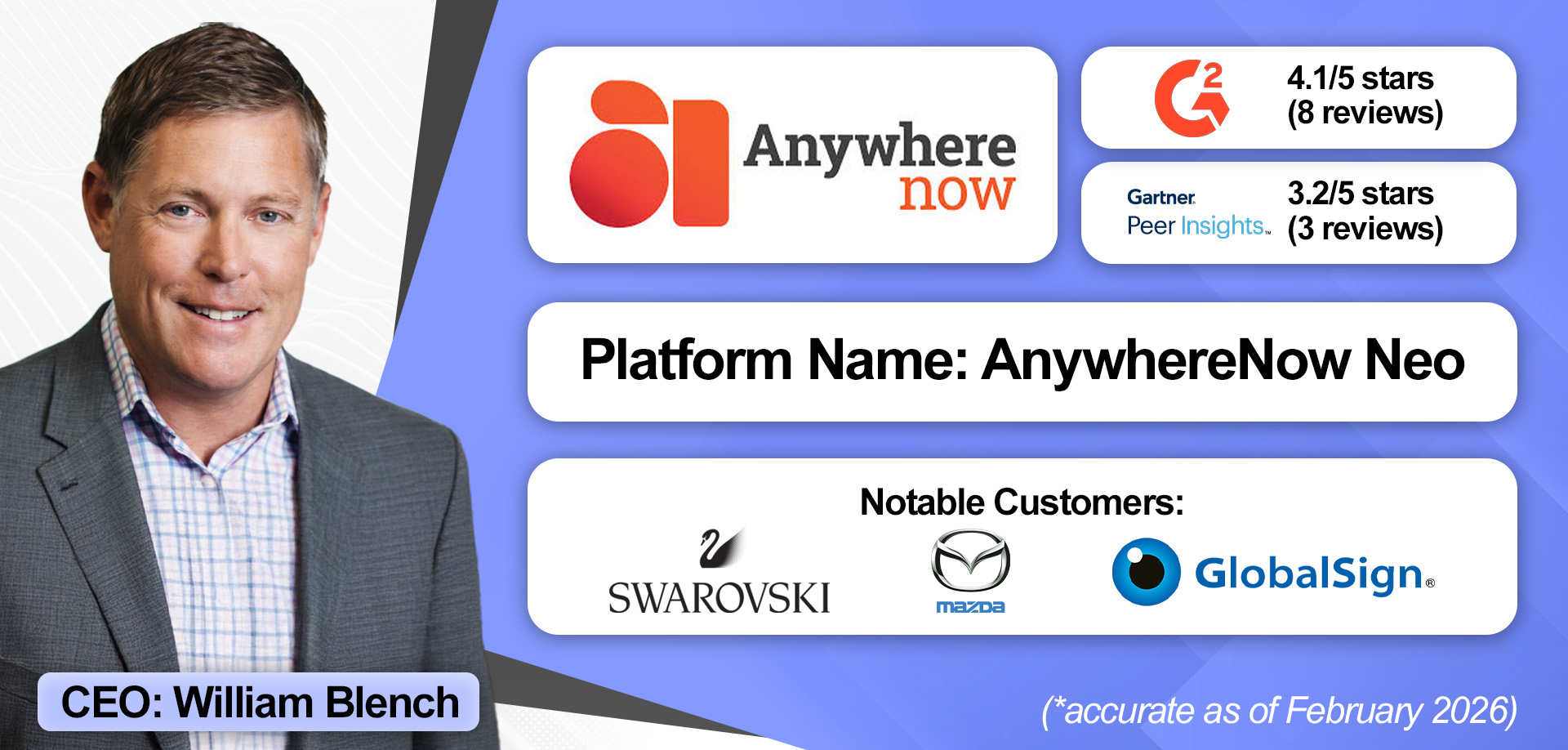
AnywhereNow (formerly Anywhere365) primarily serves Europe but is expanding into North America and Asia Pacific (APAC), driven by the success of its lead Microsoft Teams contact center solution, AnywhereNow Dialogue Cloud Neo.
Through Tendfor, it offers a certified solution on the Unify model. However, this is not its primary Microsoft Teams Contact Center solutions, Neo is.
Currently certified on the Extend model, Neo includes a visual workflow tool, Dialogue Cloud Neo Studio, enabling admins to build block-based workflows and embed AI logic for routing, task automation, knowledge retrieval, and more.
Workflows can integrate with CRM systems such as Salesforce, Dynamics 365, and ServiceNow, allowing teams to pull data into agent interactions and send conversation data back.
Neo also comprises 30+ AI use cases for call summarization, knowledge retrieval, next-best-action guidance, verification, coaching, opportunity identification, and more. Many of these are available through the platform’s Deepdesk virtual assistant, which integrates with Dialogue Cloud Neo Studio, so brands can tailor agent-assist workflows.
Elsewhere, AnywhereNow provides an Attendant & Operator Console for Teams that is optimized for receptionists and small helpdesks. It offers real-time presence, queue management, and calendar visibility.
Finally, as AnywhereNow offers Tendfor on the Unify model, the vendor can table solutions across both integration models and blend the benefits of each.
“Customers can really customize Neo. If they want more advanced scripting, IVRs, integrations with back-office systems… Studio is the tool to do that.”

Standout Features
- Dialogue Cloud Neo Studio: The Studio offers a visual, block-based interface, allowing businesses to more simply build custom workflows with embedded AI for routing, task automation, and agent assistance. It also supports complex, tailored processes that expand beyond the Teams environment.
- AI Feature Depth: Neo comprises 30+ AI use cases for summarization, knowledge retrieval, next-best-action guidance, and more. Its Deepdesk virtual assistant supports these, yet brands can also work with AnywhereNow to build out Microsoft Copilot for customer service use cases.
- Customer Choice: Neo is an enterprise-grade offering for 50+ agents, with omnichannel, AI, and back-office integration. Tendfor is a simpler solution on the Extend model. Organizations choose based on scale and complexity.
How Much Does It Cost?
AnywhereNow does not publicly disclose pricing, but provides a flexible pricing model with concurrent seats and consumption options. Learn more about AnywhereNow Dialogue Cloud Neo’s pricing by booking a demo here.
3. Landis Technologies
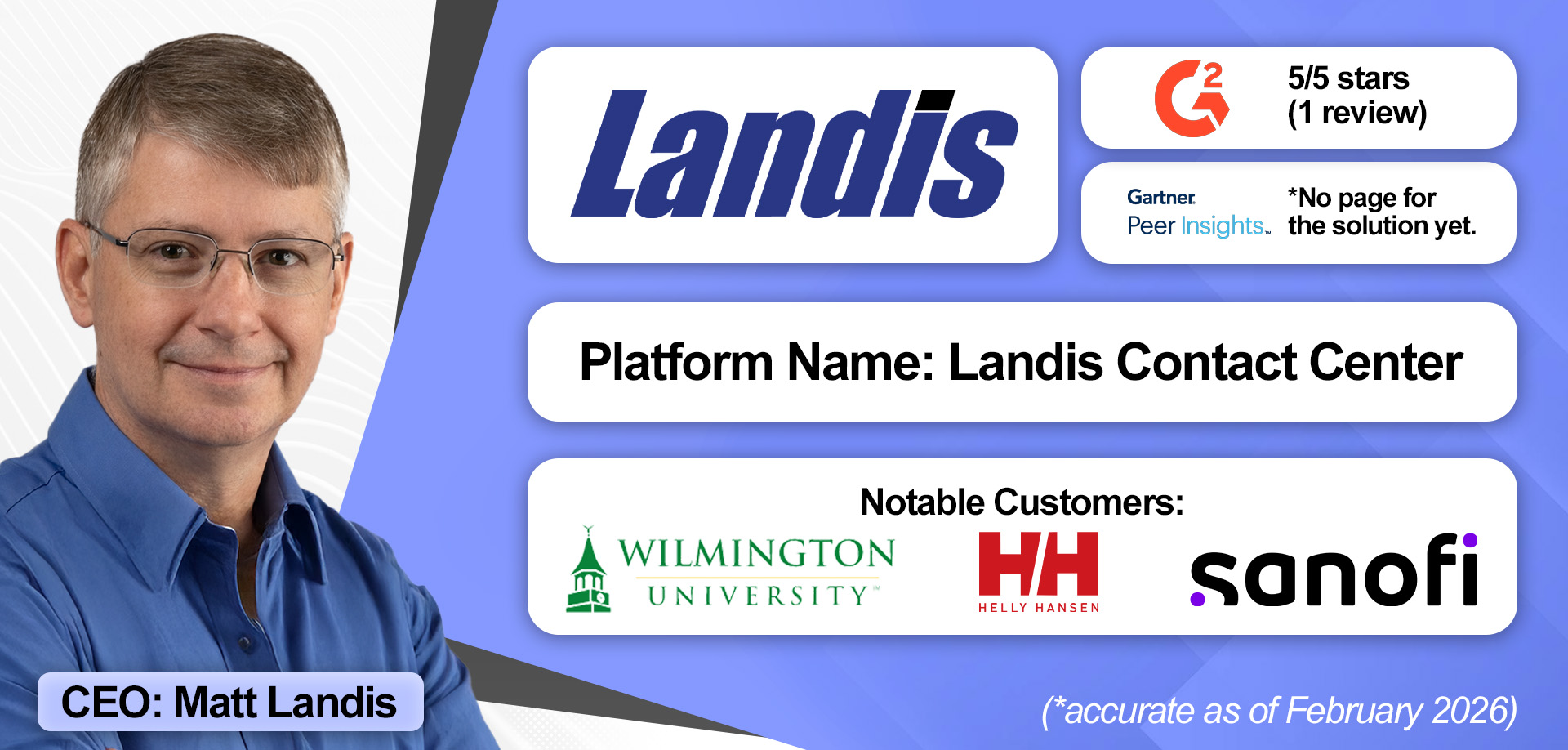
Landis Technologies has many customers on the Extend Teams integration model, and, recognizing this, has simplified the process of switching to Unify.
Organizations can migrate one workload at a time, rather than undertaking a full rip-and-replace. That phased approach provides valuable flexibility and reduces disruption.
Another key strength is Landis’s ability to utilize capabilities from its Teams contact center, such as post-call automation, and extend them into the broader organization. For example, a sales team can use AI tools to track conversations, receive next-step reminders during calls, automatically draft follow-up emails, and log summaries to the CRM.
Landis’s approach, together with additional Microsoft Teams services that go beyond the contact center, enables organizations to extend customer experience capabilities across the business.
Lastly, Landis’s engineering team works closely with Microsoft and has contributed to the development of APIs now in production.
Critically, that early access informs its solution design, as the vendor builds systems that improve automatically as Microsoft’s AI capabilities evolve. For instance, if a business deploys a contact center Copilot today with Landis, it will advance automatically as the virtual assistant’s capabilities progress.
"We have always been Microsoft-only… The Landis engineering team has a close relationship with Microsoft and has helped in the development of these APIs that we are now using in production. That early input allows us to design the ideal contact center for a Teams environment."

Standout Features
- Deployment Flexibility: Organizations can start with the integration model that best fits their current needs, whether Extend or Unify, and transition workloads individually over time. This phased, future-proof approach eliminates the need for a full rip-and-replace, reducing disruption.
- Contact Center+ Services: Beyond traditional contact center capabilities, Landis extends AI, recording, transcription, workflow automation, and post-call tools across the business. Its broader Microsoft Teams expertise and services also help to foster an organization-wide customer-support mindset.
- Microsoft Collaboration: With a long-standing Microsoft focus dating back to Skype for Business, Lync, and OCS, Landis engineers work closely with Microsoft and contribute to API development. Early access to these tools allows Landis to design contact centers that evolve automatically as Microsoft Copilot and AI capabilities improve.
How Much Does It Cost?
Landis Technologies offers its complete Microsoft Teams contact center for $75 per user, per month. This covers all AI tools, workflows, and automation. However, prospective buyers can request a custom quote for volume-based discounts. Get the full pricing breakdown for the Landis Contact Center for Microsoft Teams here.
4. Enghouse Interactive
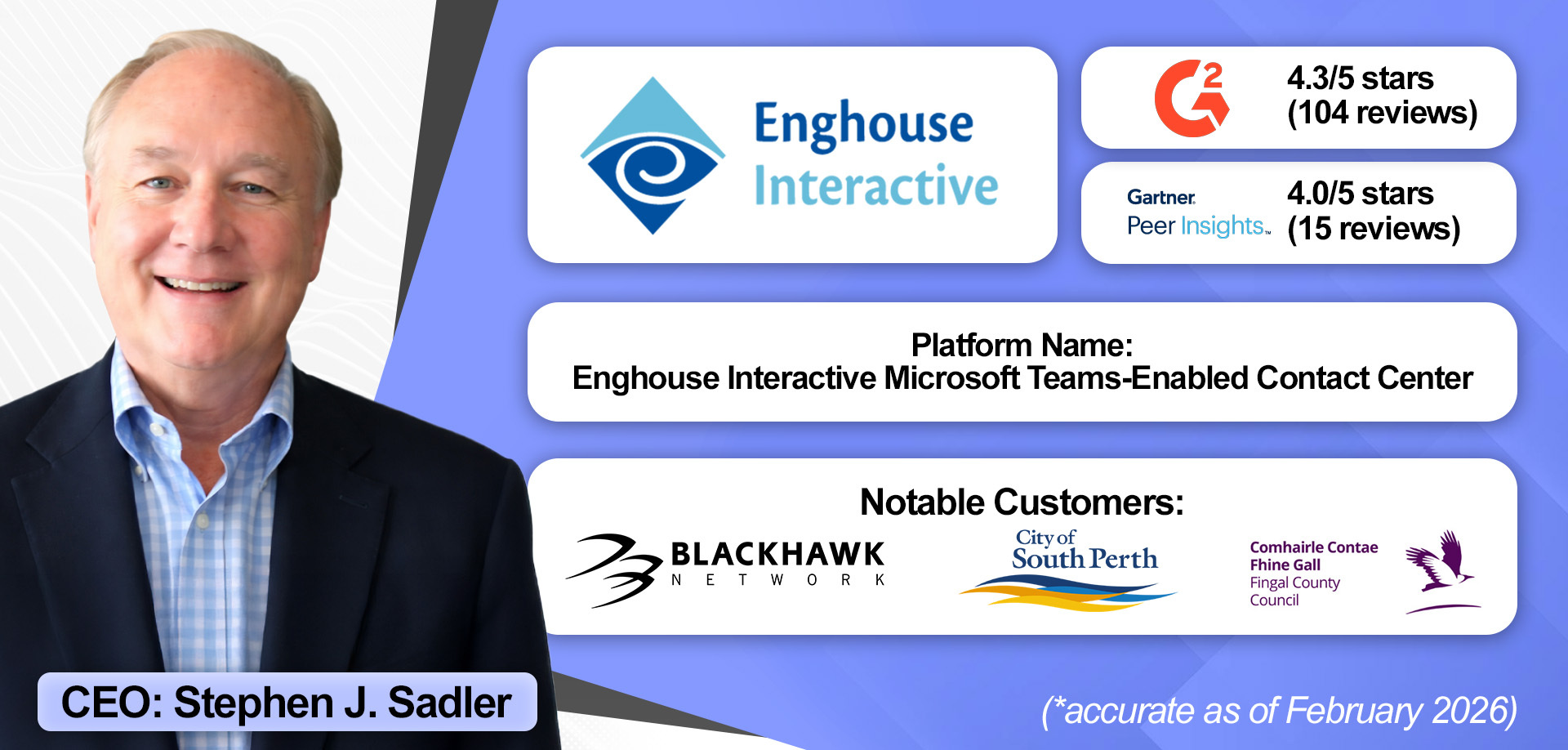
Microsoft Teams solutions represent just one part of Enghouse Interactive’s broader portfolio, which spans cloud, hybrid, and on-premise contact centers. This breadth uniquely positions the company to support organizations with an array of customer service requirements.
Enghouse delivers these capabilities globally, backed by deep expertise in regional regulations, languages, and cultural nuances. That global strength is reinforced by more than 40 years of experience designing, deploying, and optimizing contact centers, a significant differentiator in a market crowded with ACS-focused specialists.
Over those four decades, Enghouse has built a deep install base in healthcare and housing, with many companies coming on board in the Skype for Business era and staying.
Another key advantage is the scope of its portfolio. Organizations deploying a Microsoft Teams contact center can later add capabilities such as quality assurance (QA) or workforce management (WFM) without introducing a second vendor.
Additionally, call recording comes part and parcel with the Teams contact center license, providing access to a broad AI suite that includes agent assist, virtual agents, speech analytics, and more.
That said, some customers prefer to use Microsoft-native tools exclusively, and Enghouse fully supports that approach as well.
“Our depth of expertise sets us apart from many ACS vendors who are still relatively new to the contact center market.”

Standout Features
- Breadth of Portfolio: Enghouse’s broad portfolio allows customers to work with a single vendor across multiple contact center elements. Organizations can add capabilities such as call recording, QA, WFM, speech analytics, virtual agents, and agent assist, all within the same ecosystem. This reduces integration complexity, avoids vendor sprawl, and ensures consistent architecture.
- Global Reach: With offices across every continent (except Antarctica), Enghouse supports multinational deployments with strong knowledge of local regulations, languages, and cultural requirements. Multilingual AI transcription and region-specific expertise further strengthen its global delivery model.
- Healthcare & Housing: Enghouse has established a strong position in the healthcare and housing sectors. These specialties date back to the Skype for Business era, and Enghouse has since expanded its portfolio of tailored AI offerings for these sectors.
How Much Does It Cost?
Enghouse offers its solution on a per-seat model. However, it doesn’t publicly disclose pricing. Instead, brands must request a demo of the Enghouse Microsoft Teams-Enabled Contact Center to learn more.
5. Luware
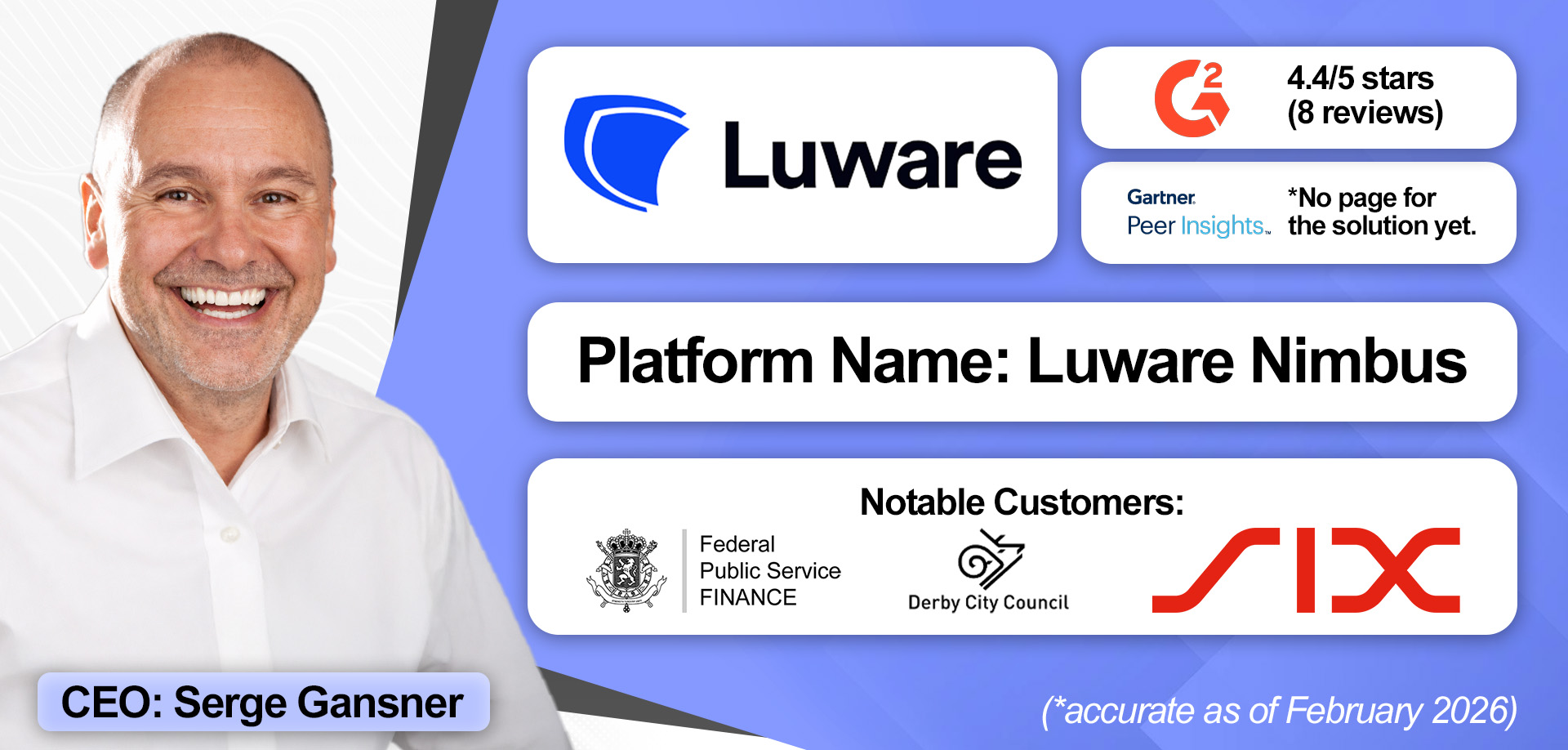
As Luware seeks certification for its Unify integration, most of its customers utilize the Extend model, and it chiefly markets to companies that don’t yet need the full omnichannel suite.
For example, a service desk might not need WhatsApp or live chat integrations, but may require CRM integration, advanced reporting, or some Teams-specific capabilities. Luware aims to provide the middle ground.
That said, Luware works with several enterprises, especially in financial services. It has also developed a large presence in the public sector, where organizations tend to be heavy users of Microsoft 365, Azure, and Dynamics.
Interestingly, in the public sector, it’s developing several outcome-first AI use cases. Take its voicebot, which comes with its Teams contact center. It detects customer vulnerability in voice queues to help councils prioritize calls.
Moreover, Luware has built Nimbus Capture, an Auto-QA module, which customers can bolt on to analyze every call, inform coaching, and capture compliance.
Lastly, the vendor can blend integration models to marry the merits of both. For instance, its customers can utilize an Extend backend with Unify client features if it aligns with their requirements.
“We offer not just a full omnichannel contact center, but we offer that bit in between as well… we don’t want to fit round pegs in square holes. We want to do what’s right for the customer.”

Standout Features
- Smaller-Business Focus: Luware enables organizations to adopt only the capabilities they need initially, whether that’s CRM integrations, advanced reporting, or basic queue management, without forcing a full omnichannel contact center. This flexible, “fit-for-purpose” approach resonates with smaller businesses.
- Outcome-Oriented AI: Luware focuses its AI use cases on real-world outcomes. Its Virtual User voicebot, for example, detects call urgency and intent to identify vulnerability, then routes interactions appropriately. That use case is especially relevant across its two core industries…
- Finance & Public Sector: Despite its smaller business focus, Luware partners with many public sector organizations and several large banks. Both may benefit from its AI-powered alerts to prospective compliance breaches, vulnerability-based routing, and audit trails that span customer conversations and employee interactions circling a case.
How Much Does It Cost?
Luware’s Teams contact center costs $85 per user, per month. Call recording and QA is available as an add-on at $17 per user, per month. A free trial is also available. Learn more about pricing for the Luware Nimbus Contact Center here.
6. Sensiple
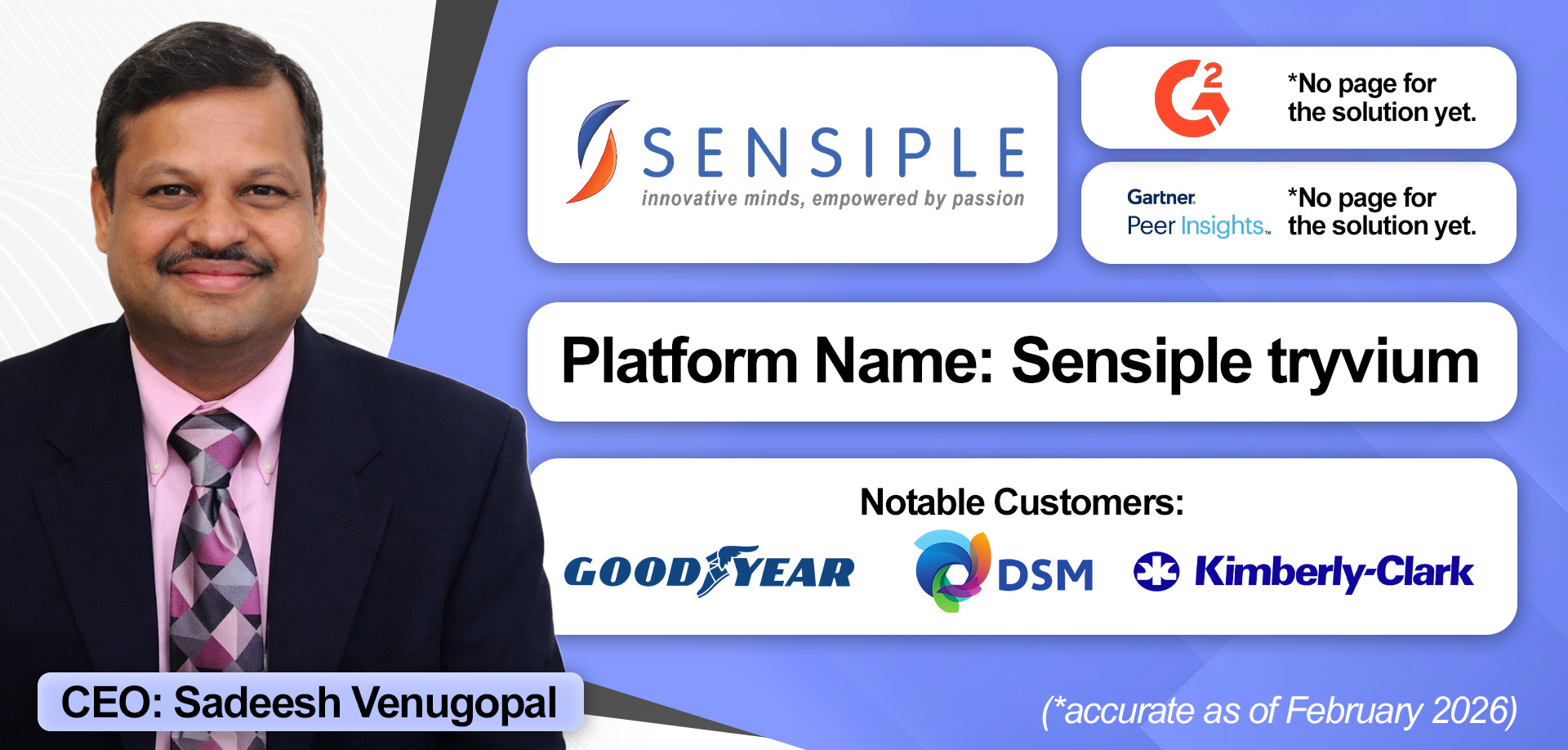
Sensiple has delivered professional services to contact centers for 25 years, working on over 1,000 projects globally. It acquired the Teams contact center provider Tryvium in 2021, aiming to gel in-house services and solutions to bolster the deployment and post-deployment experience.
Over the years, its Tryvium offering has evolved to meet the Unify standards, while its portfolio of pre-configured integrations and workflows has grown significantly.
In addition to standard CRM integrations, it connects with numerous back-end systems to accelerate front-office ticket resolution, leveraging AI in the process. For instance, banks can update standing instructions with automated validation and approval built into the workflow.
Notably, AI agents may interface directly with Microsoft Intune to perform custom troubleshooting steps. Brands can create these agents using Copilot Studio, with support from Sensiple’s team.
Sensiple also works with many brands to leverage Tryvium as an internal contact center, deploying AI agents to perform troubleshooting for IT assets (like laptops) and integrating with Intune to take automated actions.
Lastly, the vendor’s pricing model is a significant differentiator. It charges on a per-conversation basis, meaning that, unlike traditional contact centers, Sensiple doesn’t require named agents to log in. Instead, any Microsoft Teams user can assist a customer with an issue.
"What sets Sensiple apart is its native Teams architecture combined with AI‑enabled automation and deep systems integration. We go beyond voice and chat to embed back‑office workflows directly into the contact center experience, delivering speed, self‑service, and intelligent routing that competitors simply can’t match."

Standout Features
- Global Support Services: By combining its Trivium platform with global professional services, Sensiple delivers differentiated implementation and post-implementation support. Its close collaboration with system integrators also helps extend workflows far beyond the Teams ecosystem.
- Deep Integrations: Sensiple provides out-of-the-box connections to leading CRMs (ServiceNow, Salesforce, and many others), legacy ITSM systems, and back-office workflows. AI agents can also interface with Microsoft Intune for automated troubleshooting, enabling faster ticket resolutions.
- Flexible Licensing: The vendor eliminates the need for named agent logins. Instead, any Microsoft Teams user can assist a customer. A per-conversation pricing model supports this flexibility, making it ideal for organizations adopting more informal or distributed service models.
How Much Does It Cost?
Sensiple charges its customers for Tryvium on a per-conversation basis. Learn more about the vendor’s differentiative pricing model by requesting a demo and consultation.
7. Heedify
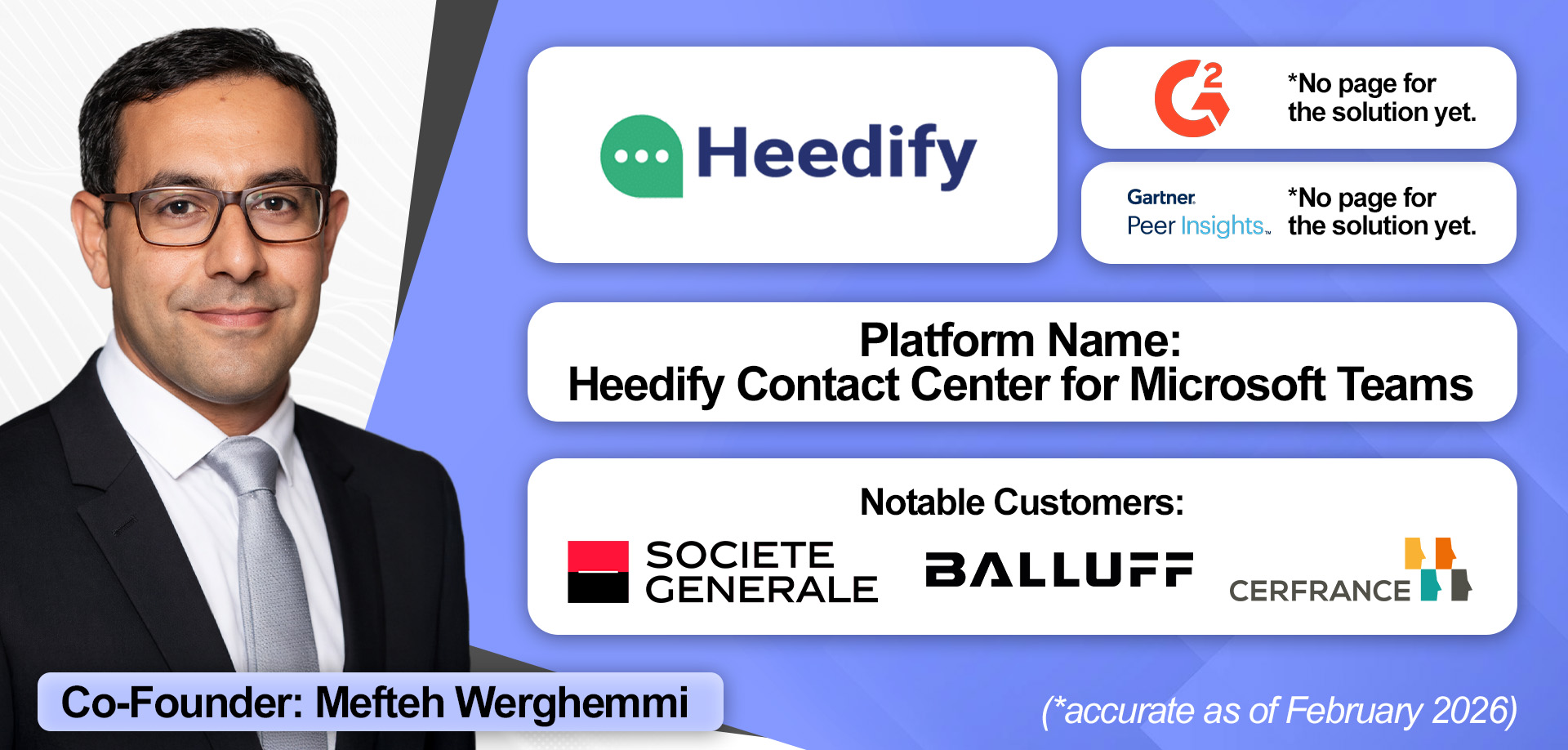
Heedify offers a Microsoft Teams contact center solution that’s growing fast in mainland Europe, with distribution across the Middle East, Australia, and soon North America.
The vendor wins customers by fixating on simplicity, with many installations taking less than 60 minutes. Its focus on user ease is also evident in its approach to CRM integrations with HubSpot, Salesforce, and ServiceNow.
Within the admin portal, customers can quickly configure greetings, call flows, and events. Once a rep is connected, they can trigger actions, sending call data like agent name, summary, or transcription through the CRM or Microsoft Power Automate.
Heedify’s AI agent strategy also prioritizes simplicity. Its first agent, the ‘Receptionist Agent’, acts as a first responder for front-desk or reception calls, covering extended hours, bursts in call volume, or limited human staffing. Critically, the agent is embedded within its solution, easing deployment.
The vendor soon hopes to add more native agents, including:
- A Supervisor Agent: Monitors quality, SLA, and call metrics in real-time, provides summaries, and sends notifications for abnormal activity.
- A Coaching Agent: Helps train and guide agents based on real-time insights.
- An Outbound Agent: Automates routine tasks like confirming bookings or appointments via calls or SMS.
Finally, Heedify is one of several providers to integrate closely with Power BI for reporting. However, the vendor actively supports customers in leveraging the solution, with fully customized templates that centralize reporting across locations.
“You just transcribe the call and send insights to the CRM… Configuration takes a few minutes. That’s very easy, zero risk, very cost-effective, and [delivers] immediate value for customers.”

Standout Features
- CRM Alignment: Pre-configured integrations with Salesforce, ServiceNow, and HubSpot allow teams to quickly implement cross-platform workflows. For instance, call data, like agent name, summary, or transcription, can be automatically sent to CRMs with little configuration. A close tie-in with Power Automate enables additional custom automations.
- Embedded AI Agent Roadmap: Heedify builds AI agents directly into its solution, starting with the Receptionist Agent for front-desk calls, extended hours, and high volumes. Future agents include AI supervisors for real-time quality monitoring, coaches for agent guidance, and outbound agents for routine tasks.
- Speed to Deployment: With some set-ups taking less than an hour, Heedify streamlines deployments through its embedded AI, CRM strategy, and delivery of customized reports, which minimizes strain on admins and the need for professional support services.
How Much Does It Cost?
Heedify sells its solution on an annual subscription, utilizing a per-seat pricing model. It also offers a free trial. Get a custom quote for the Heedify Contact Center for Microsoft Teams here.
8. ComputerTalk
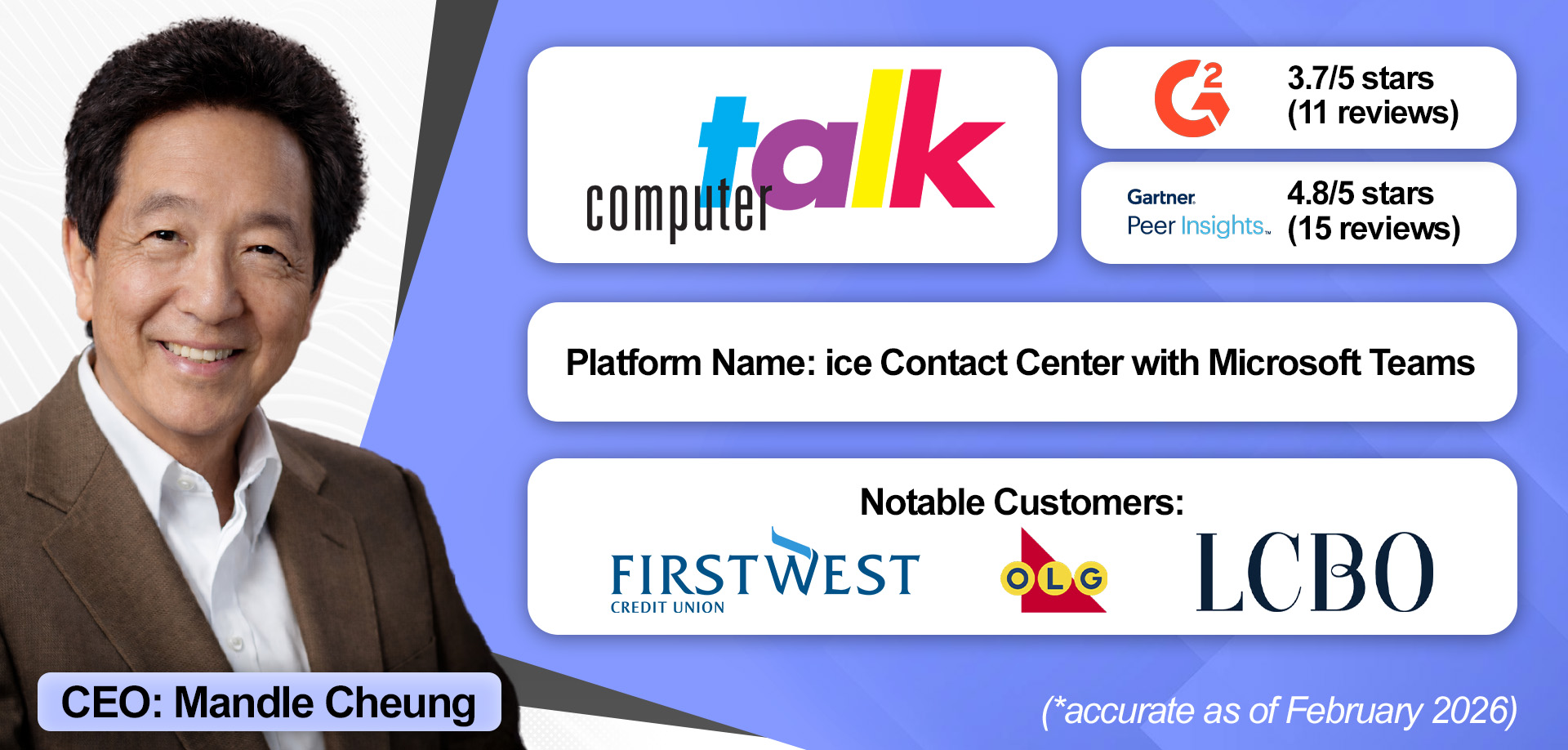
As of July 2026, ComputerTalk is the only vendor certified across all three Microsoft Teams contact center integration models, highlighting the breadth of its deployment options.
Beyond these options, the vendor supports an expanded range of channels, including SMS and multiple social media platforms alongside voice, live chat, and email.
It also delivers more than 100 out-of-the-box reports, centralizing performance dashboards and clear visibility into agent performance across channels.
ComputerTalk extends this with native call recording and conversational intelligence, with the ability to export insights into data warehouses for deeper, enterprise-wide analysis.
Moreover, the vendor offers additional contact center modules that brands can bolt on to their deployments, reducing their reliance on third-party solutions. Additional tools include an outbound dialer, surveys, and payment processing.
Lastly, ComputerTalk offers a particularly strong reseller model, which has broadened its install base, allowing businesses to operate as an extension of its partners’ sales and account teams. As such, it can offer preferred rates and enable partners to present solutions under their own brand.
Standout Features
- Deployment & Channel Options: ComputerTalk can deliver Microsoft Contact Center solutions across the Connect, Extend, and Unify models. It also offers omnichannel engagement across voice, email, web chat, SMS, and social media natively, with advanced routing over the top.
- Reporting & Analytics: The vendor presents 100+ out-of-the-box reports and integrates with analytics platforms like Power BI to provide holistic, data-driven insights. It also includes speech analytics and call transcripts to automate quality management, monitor customer sentiment, and optimize workflows.
- Partner Model: ComputerTalk has created referral and reseller programs to expand its presence and allow customers to work with providers they trust. These programs include branded pricing, preferred partner rates, and full support for demos, contract reviews, and account planning.
How Much Does It Cost?
ComputerTalk prices its solution on a per-seat, per-month basis. However, it doesn’t publicly disclose the subscription cost. Get a custom quote and demo for the ComputerTalk’s ice Contact Center for Microsoft Teams here.
9. CentrePal
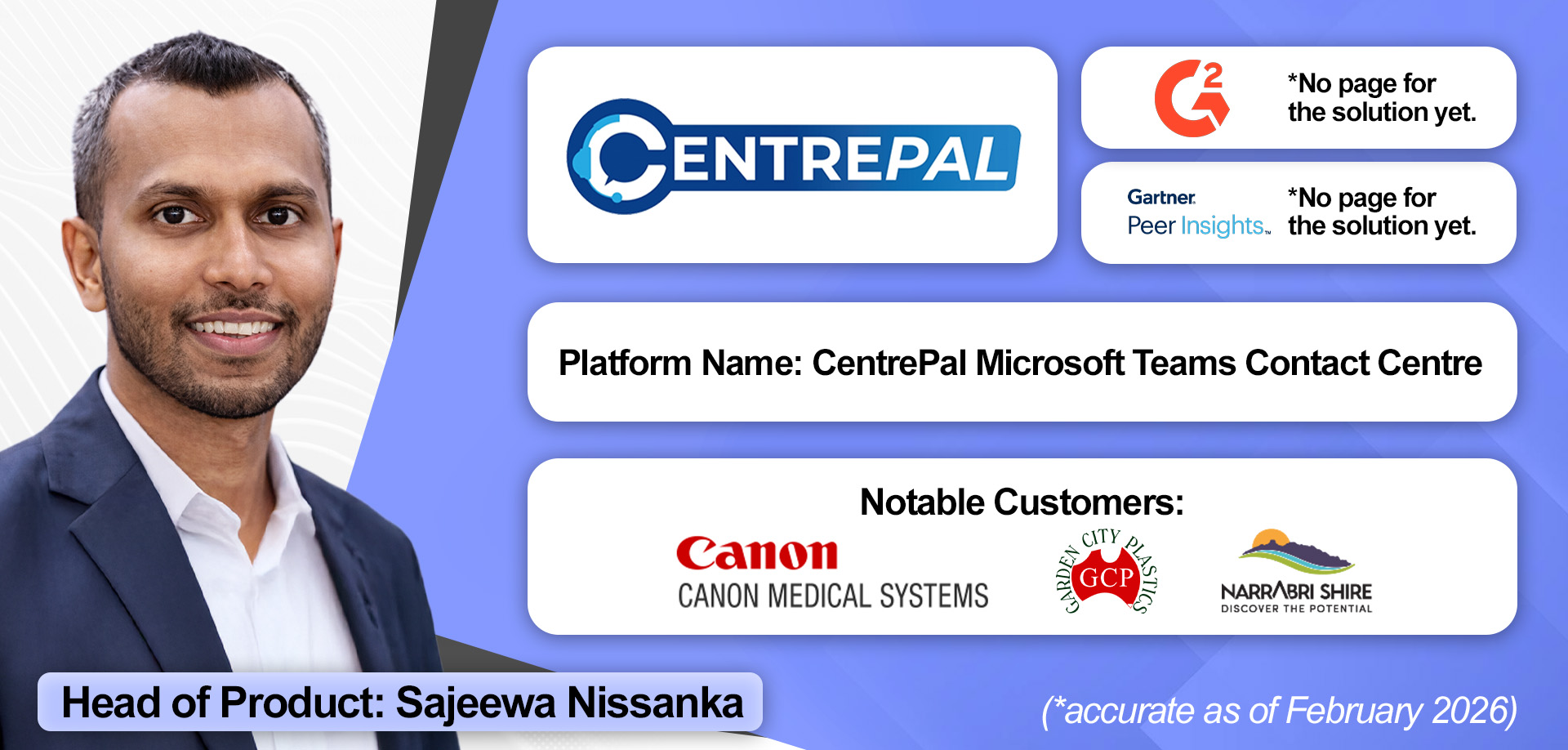
CentrePal became the first vendor to become certified on the Microsoft Teams Unify model for contact centers in August 2025, underscoring its close relationship with the tech giant.
Building on this, CentrePal has aligned closely with Microsoft’s evolving agent technologies, including Copilot and Azure AI Foundry.
Take Copilot as an example. Alongside agent assist, CentrePal allows contact centers to extend use cases leveraged elsewhere in their organization and extend their value.
In addition to agents, CentrePal feeds supervisors with live insights. As a result, they can monitor interactions, identify poor sentiment in real time, and coach agents through Teams chat.
While it has traditionally served the APAC region, CentrePal has won customers in the UK and South Africa, and is now supporting global deployments.
That said, the Australian and New Zealand markets are the vendor’s bread and butter, where it has amassed a sizable install base with several public sector organizations.
“Being first in the world to be certified under Unify, we’ve had some good traction around some of our AI capabilities and aligning to some of the new Microsoft agent capabilities as well, Copilot and Azure AI Foundry.”

Standout Features
- Copilot Extensions: As the first vendor globally certified under the Unify model, CentrePal has gained strong traction through deep alignment with Microsoft’s evolving AI ecosystem, including Copilot and Azure AI Foundry. The solution enables organizations to extend existing Copilot investments into the contact center.
- Supervisor Toolkit: CentrePal equips supervisors with real-time visibility through live transcripts and in-call insights. Using Teams-native collaboration, supervisors can identify sentiment issues as they arise and coach agents via chat during interactions, preventing escalations rather than reacting after the fact.
- APAC Footprint: With a strong base in Asia Pacific, particularly in Australian local government, CentrePal supports councils modernizing from legacy telephony to cloud-native Teams contact centers. The company also delivers deployments in the UK and South Africa, demonstrating broader global reach.
How Much Does It Cost?
CentrePal doesn’t publicly disclose its pricing model. Instead, it asks customers to book a demo and consultation for the CentrePal Microsoft Teams Contact Centre.
10. ROGER365.io
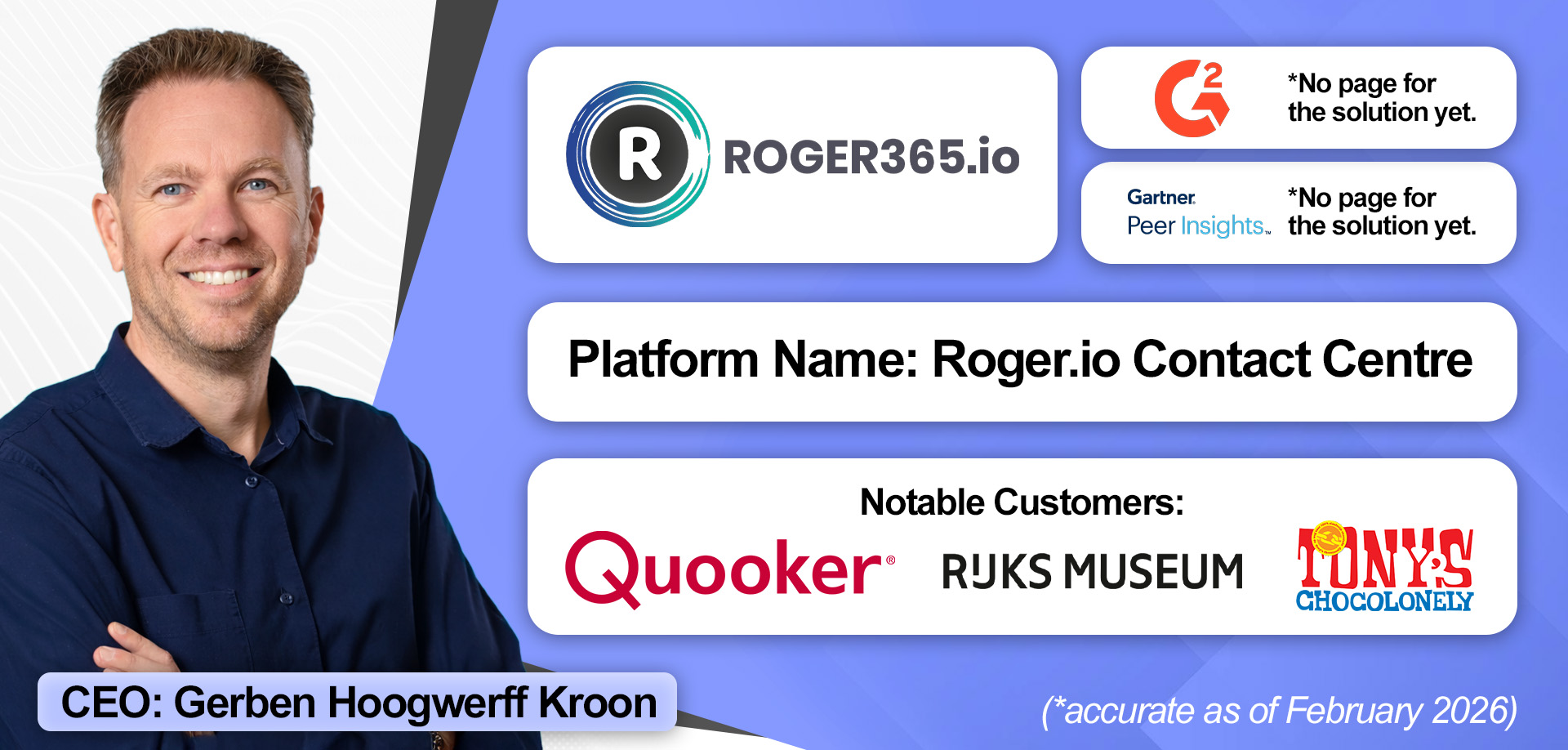
While pegged to Europe, ROGER365.io offers a relatively deep Microsoft Teams contact center solution, which includes support for messaging apps, outbound dialing, and numerous agent-assist use cases, such as AI translations.
Yet, it pairs this depth with speed. Indeed, customers report that test environments and proof of concept (POC) setups can be configured within a single call.
That quick demonstration of functionality, alongside a 14-day free trial, allows clients to validate system alignment.
Additionally, customers praise ROGER365.io for its agile and responsive R&D approach to regional customer requirements, noting that its product team actively listens to customer suggestions and implements them rapidly.
Yet, perhaps the vendor’s biggest differentiator is its pricing model. Interestingly, this organizes contact centers into multiple queues, not individual agents.
As such, contact centers can hire unlimited seats within the price of the bundle, enabling more flexible staffing strategies.
Standout Features
- Speed of Deployment: ROGER365 can be implemented quickly, with some customers completing migrations from configuration to live integration in a month. Adjustments to call flows, queues, and staffing can also be done independently and in real time, without waiting for external support.
- Customer Listening: ROGER365 actively incorporates customer feedback into its product development. Regional or client-specific suggestions can be implemented within months. Meanwhile, the platform is designed to adapt to unique workflows, such as integrating with service databases, demonstrating a strong commitment to understanding and addressing customer needs.
- Unique Pricing Model: Unlike traditional contact center solutions that often charge per-seat, ROGER365 offers a flexible, queue-based cloud pricing model. It stands out because there is no limit to the number of agents contact centers can deploy, even with the cheapest of its three bundles. Given this, busy contact centers with simple architectures can save money.
How Much Does It Cost?
ROGER365.io uses a per-organization, yearly-billed pricing model with three main bundles: Basic (€487/mo), Business (€755/mo), and Enterprise (€1,238/mo). Each supports unlimited agents but differs in the number of included queues and advanced features. Dive deeper into ROGER365.io’s unique pricing model here.
11. CONTACTCENTER4ALL
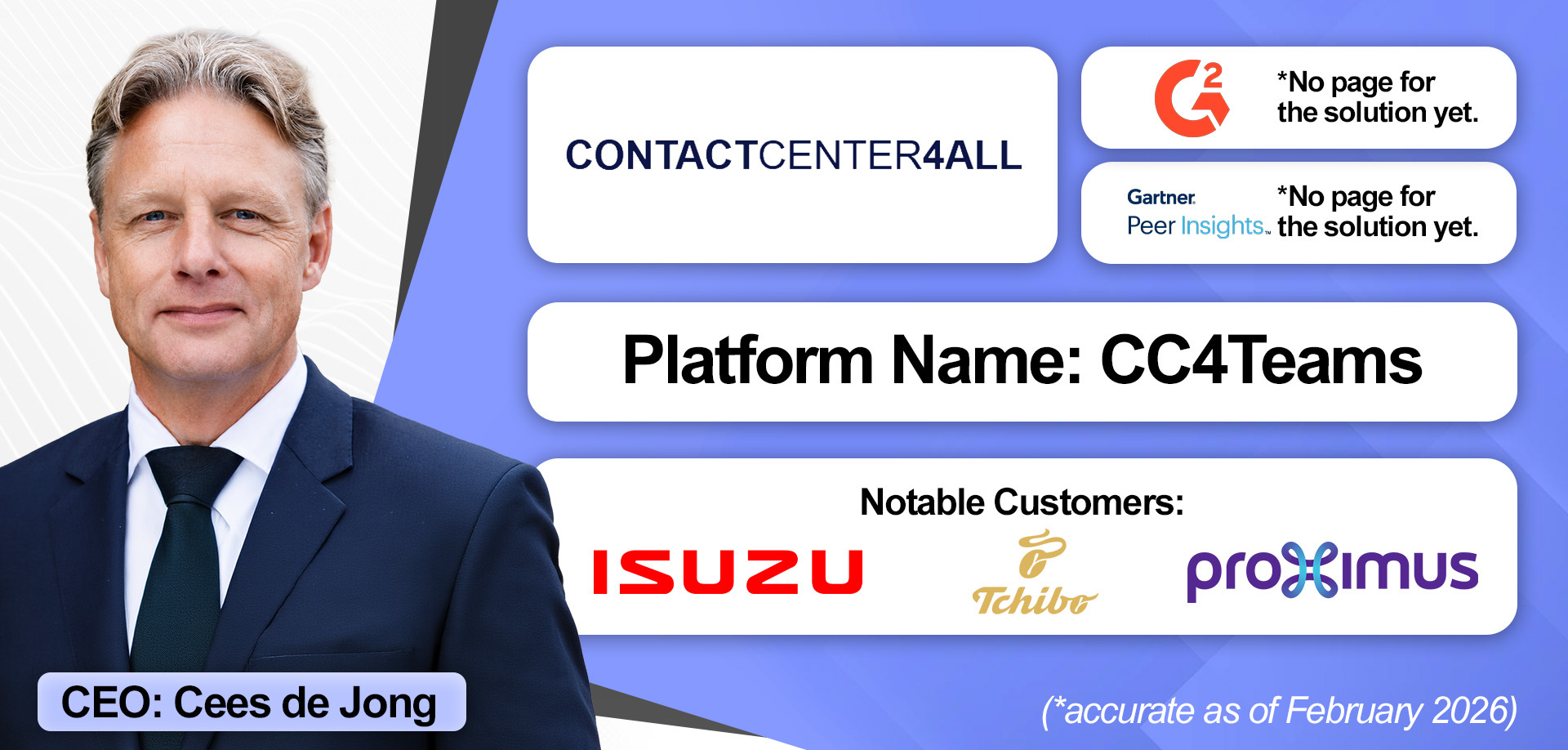 Having provided contact center solutions for Lync and Skype for Business before Teams, CONTACTCENTER4ALL (CC4ALL) is a long-time Microsoft partner serving clients across Europe, North America, and the Middle East. It has offered a certified Teams Contact Center on the Extend model since 2022 and, in March 2026, earned accreditation for the Unify model.
A standout capability is WhatsApp support, a key differentiator in the Microsoft Teams Contact Center space. Currently available via the Extend model alongside voice, email, and live chat, it is not yet part of the Unify offering, though CC4ALL's overall channel breadth remains extensive.
On the AI side, CC4ALL's self-service bot, 'Alex', is configured just like a human agent, appearing as a user in the Admin Center, where skills, proficiency levels, and queues can be assigned.
Interestingly, Alex also appears in reporting, enabling organizations to compare AI and human performance across key contact center metrics.
CC4ALL simplifies AI cost management through a credit-based model, replacing the complexity of managing multiple Azure services, tokens, and usage meters. Meanwhile, users get clear visibility into usage and costs, the ability to set spending limits, and a Starter Bundle of monthly credits for testing.
Finally, CC4ALL's case studies reflect a consultative approach. Underpinned by an expansive partner model, this extends to guiding customers on what to implement next and, in some cases, delivering bespoke engineering.
Standout Features
- Channel Breadth: CC4ALL supports an extensive range of channels - including voice, email, live chat, and notably WhatsApp (a differentiator among Teams contact center vendors) - available via its Extend integration model.
- AI Reporting & Pricing: The provider’s AI agent "Alex" is configured like a human agent, with assignable skills, proficiency levels, and queues, and appears directly in reporting so organizations can benchmark AI against human performance. Pricing is simplified through a credit-based model with usage visibility, spending limits, and a Starter Bundle for testing, avoiding the complexity of managing multiple Azure services.
- Partner Model: CC4ALL takes a consultative approach, with its partner network equipped to guide customers on what to implement and when, while also delivering bespoke engineering where specific needs require it.
How Much Does It Cost?
CC4ALL offers four pricing tiers: Agent Voice, Agent Omni, Operator, and Supervisor. These cost €67, €88, €98, and €98 per seat, per month respectively. Its PowerBI Reporting (€257/month for up to 100 agents) and AI Agent (€88/month) are available as add-ons, with the latter supported by three credit bundles - Light (250), Essential (500), and Elite (1,500) - for managing AI usage. Discover the full pricing breakdown for CC4Teams here.
Key Considerations for Selecting a Microsoft Teams Contact Center Solution
Brands should mull over many factors when choosing a CCaaS platform, but the five considerations below are especially critical when selecting a Microsoft Teams contact center solution.
Reconsider Existing Workflows
Many organizations will insist on replicating old contact center workflows exactly.
In doing so, they may stay with a “Press 1, Press 2, Press 3” instead of conversational IVR and avoid omnichannel because “we’ve always done voice.”
While understandable, as they may have training concerns and value familiarity, this approach limits innovation.
A migration is an opportunity not just to change tools, but to modernize operations.
When brands adopt a modern Unify platform, it’s essential to first rethink workflows and then identify capabilities that align, supporting a more effective procurement process.
Understand the Integration Architecture
Many contact center managers are not deeply technical, and that’s fine. But the integration model matters.
If the integration with Teams is loose:
- Reports may be inaccurate
- Security may be impacted
- Reliability may suffer
- Graph API throttling can occur
Remember, the integration approach directly affects performance and stability.
Consider Mixing Integration Models
The choice between integration models isn’t necessarily binary. Providers that cover multiple models, such as Enghouse or Landis, can mix them.
For instance, organizations can use Unify backend queues delivered to a Teams client. Alternatively, they can mix an Extend backend with Unify client features.
Think of it like two engines:
- Extend = mature, powerful combustion engine
- Unify = newer electric engine (which represents Microsoft’s future direction)
Both work, yet some scenarios favor one, and some favor the other.
Don’t Overlook Platform Availability
Some Microsoft Teams contact centers are much more prone to downtime than others.
Reliable platforms rely on three key things: strong infrastructure, modern architecture, and independent validation. Certifications like ISO 27001 confirm security, uptime, and operational processes.
Meanwhile, community feedback also reflects real-world reliability, and the option to speak one-to-one with existing customers is always a significant plus when weighing solutions.
Deep Dive on Pricing and Roadmaps
From per-agent and per-queue plans to consumption-based models, Microsoft Teams contact center providers are increasingly using pricing as a differentiator.
Typically, contact centers with significant flux in their contact volumes benefit more from consumption models, as they’re not consistently paying for seats they only rarely use. However, when there is little trend and seasonality, per-seat pricing can save money and is also much more predictable.
ROGER365.io’s per-queue pricing with unlimited agents is a fascinating additional option, which could be beneficial for high-volume centers with few complex configurations.
Alongside pricing, checking the roadmap aligns with future needs is becoming increasingly critical as Teams contact center solutions become more advanced.
One Final Microsoft Teams Contact Center Option
Alongside certified Teams solutions and the Dynamics 365 Contact Center, Microsoft also offers its Teams Queues app, which became generally available in October 2024.
While this isn’t a formal contact center solution, the Queues app supports IT helpdesks and employees that Microsoft calls ‘citizen agents’.
Citizen agents are the back-office folks for whom answering calls isn't their full-time job, but who need to be on call queues or available when a formal support agent needs their expert assistance.
The Queues app also allows contact center supervisors to view incoming calls, access live analytics, manage membership, configure greetings, and use voice application policies.
Some brands may use the app as a contact center lite when they don’t want any of the more feature-rich solutions listed previously.