February 11, 2026 • 4 min read
Zoom AI Companion Adds New Agentic Capabilities

CX Analyst & Thought Leader
February 11, 2026
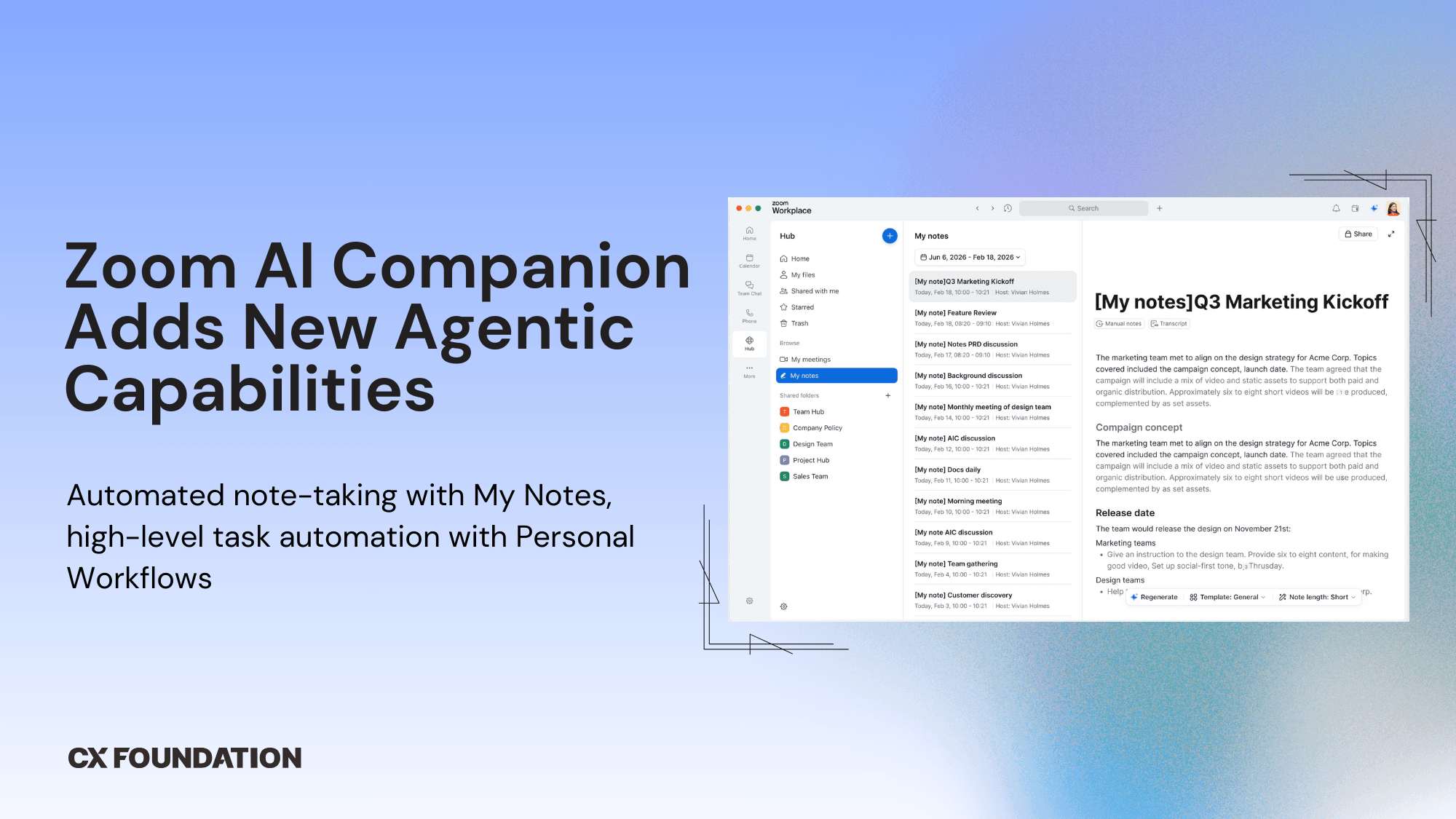
Zoom just announced two new Zoom AI Companion capabilities: My Notes and Personal Workflows (currently in beta, broadly available later this month.)
AI Companion now automatically captures notes across Zoom Meetings, in-person conversations, and third-party platforms like Microsoft Teams, and Google Meet – all unified within the Zoom interface, not scattered across systems. My Notes also includes a voice recorder on mobile for in-person meetings with automatic meeting recognition, so you never forget to take notes.
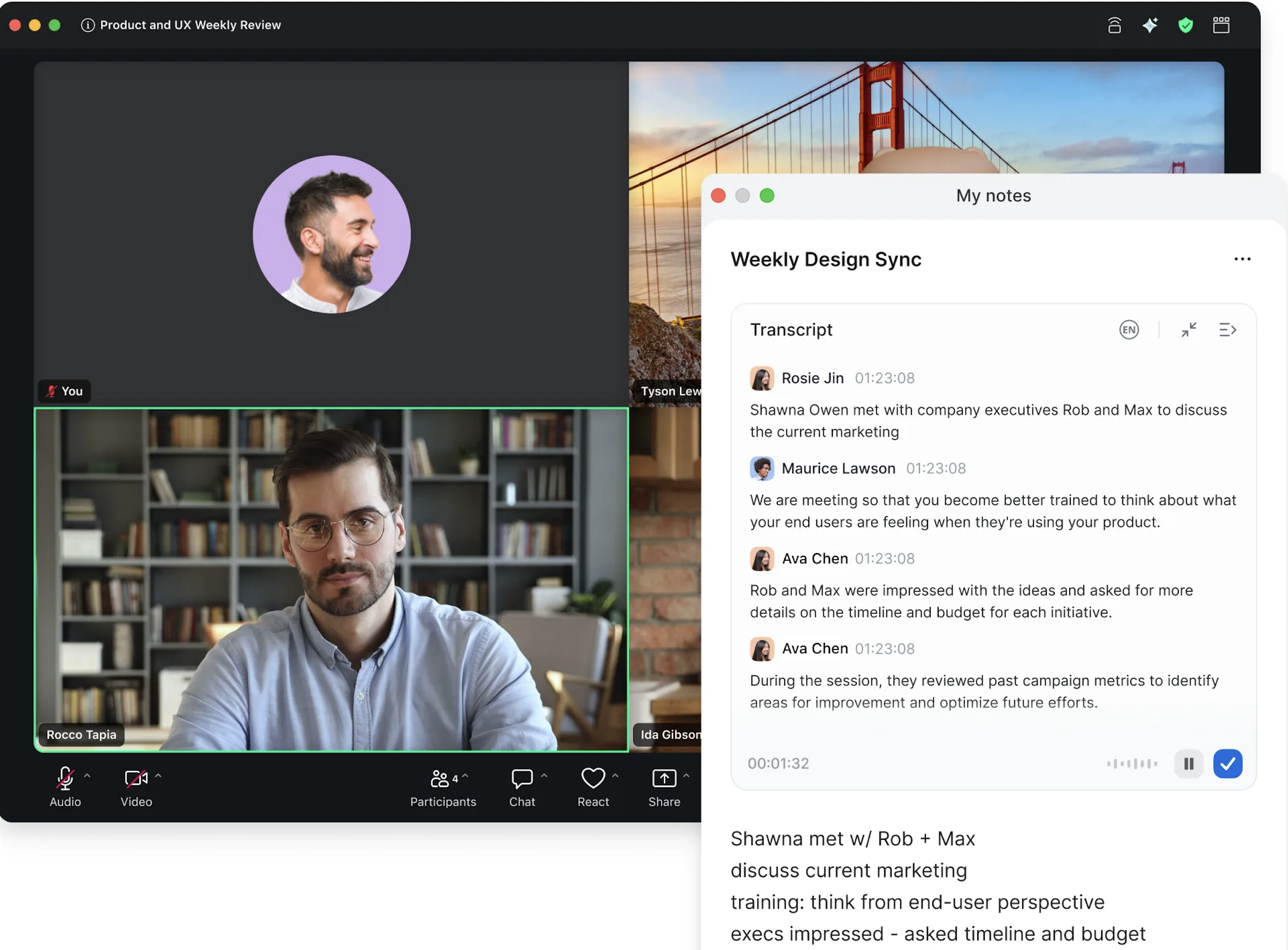
Additional My Notes capabilities include image and document upload for AI analysis, personalized meeting summaries in 30 languages, action item recognition, topic segmentation, complete meeting transcripts, and the ability to ask the AI specific questions about meeting content after the fact.
“AI is no longer just a tool — it’s a trusted collaborator that helps users analyze, act, and deliver with greater intent. With AI Companion, people can move beyond managing work to truly accelerate their impact and shift from reactive productivity to proactive intelligence, where technology doesn’t just support work, it elevates it.”
Zoom’s new Personal Workflow tool does far more than simply automate busy work. The Personal Workflow tool lets users describe their ideal workflows (or use a drag-and-drop interface to map out triggers, interactions, and outcomes – then watch AI Companion autonomously build and execute them. In an interview with Silicon Angle Zoom's CTO Xuedong Huang called it "agentic coding, but for everyone.”
Although users free plan Zoom users can try out these features with monthly feature limits, both are included in paid Zoom Workplace and standalone accounts.
The Analyst Take
What This Means For Zoom
For Zoom, these AI Companion features are all about reinforcing Zoom’s post-pandemic transition from video conferencing tool to an all-in-one customer experience platform.
By centralizing notes from third-party competitor platforms like Teams and Meet, Zoom is effectively positioning itself as the intelligence layer for hybrid work – regardless of what meeting tool users choose. It's less "come to our platform" and more "let us be the brain behind wherever you already work."
These additions show Zoom is serious about competing in the AI productivity space on a broader level: not just against Microsoft and Google, but against standalone tools like Notion, Fathom, and Otter.ai – plus the growing field of AI workflow automation platforms.
What This Means For Customers
For individual users, the most immediately useful change is the unified note-taking experience. It directly addresses the fragmentation that comes from working across multiple meeting platforms. If it works as described, users who sit in a Zoom call in the morning, a Teams call at noon, and an in-person meeting in the afternoon will have all of their recaps and action items in one place.
Personal Workflows is the feature worth watching most closely. The ability to describe a desired workflow automation in plain language and have the system handle execution is genuinely meaningful for anyone who currently does those steps manually. But it goes further than that.
Users can set up workflows that compile insights from meetings and documents into a daily reflection report delivered each morning. They can review overnight Team Chat summaries so they're caught up before the day starts, generate post-meeting task lists, and route them to the right people.
What makes this different from standalone automation tools like Zapier or Make is the deep integration with Zoom's meeting and chat data. The workflows aren't pulling from generic app connections, they're pulling from actual transcripts, summaries, Team Chat threads, and meeting context that already lives inside the platform.
The caveat is always execution. AI-generated follow-ups need to be good enough that people trust them without heavy editing, or the time savings evaporate.
But the design direction is right, and the depth of what's now possible inside Personal Workflows is meaningfully more advanced than first-generation meeting summary features.